
Overview
This guide shows you how to generate a report in Core to view client communication preferences, such as SMS and email opt-in/out statuses. This is useful for tailoring outreach efforts and ensuring compliance with communication preferences.
Prerequisites
- You must have access to the Core Platform
- Your user role must allow access to the Reports section
Step 1: Log in to Core
- Go to core.hapana.com/login
- Enter your login credentials.
Step 2: Access the Reports Tab
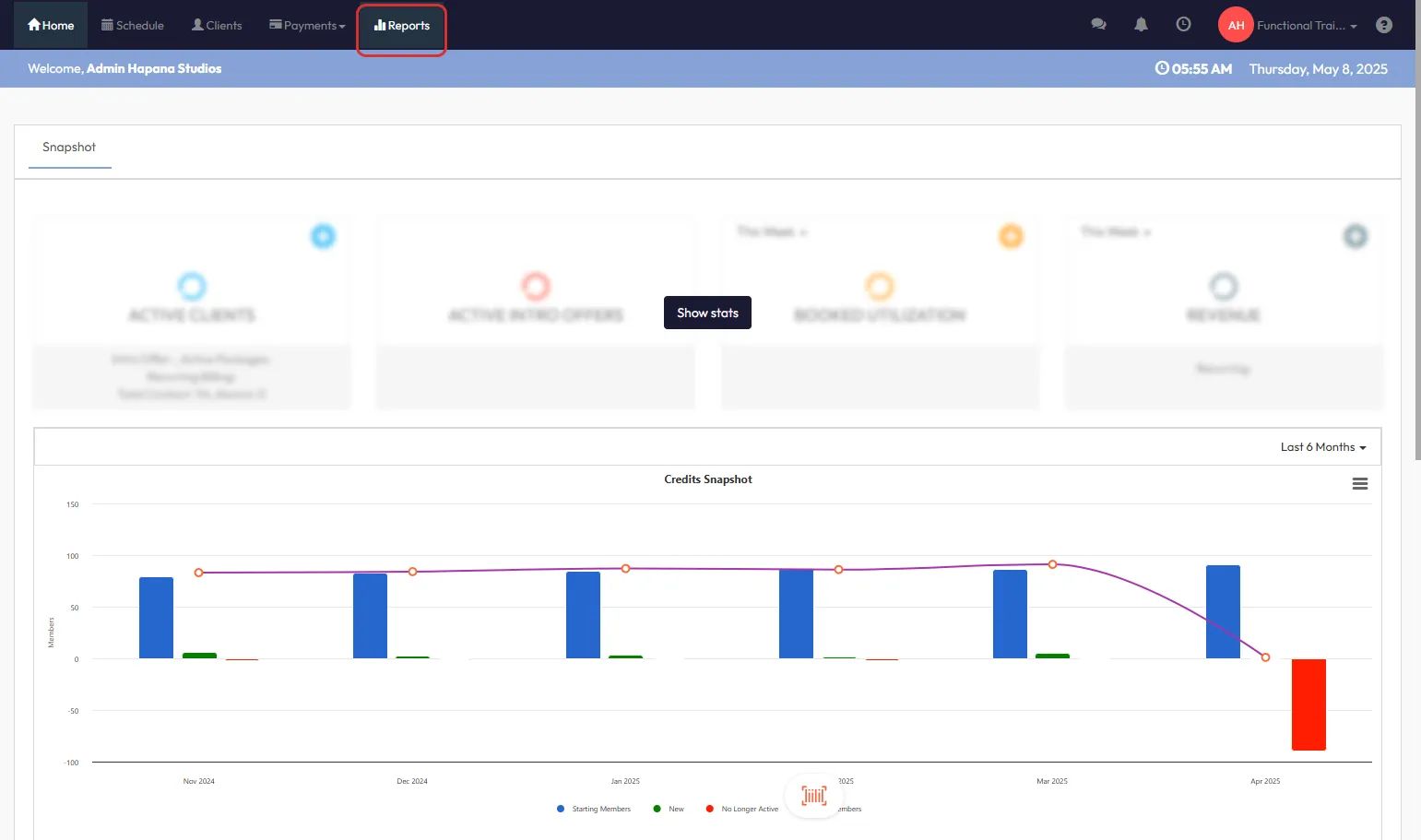
- From the dashboard, click Reports in the top navigation bar.
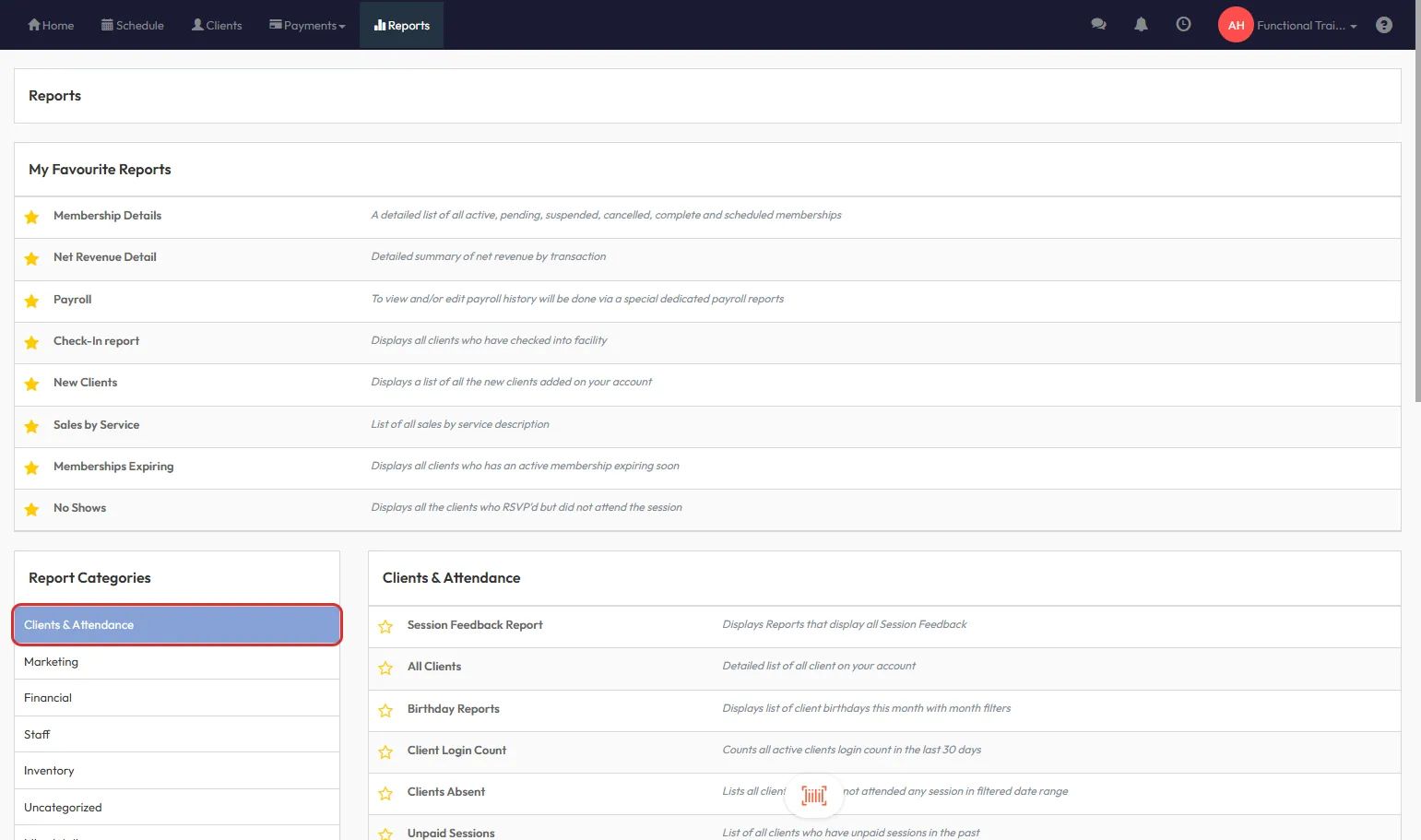
Step 3: Navigate to Clients & Attendance
- In the Report Categories dropdown menu, select Clients & Attendance.
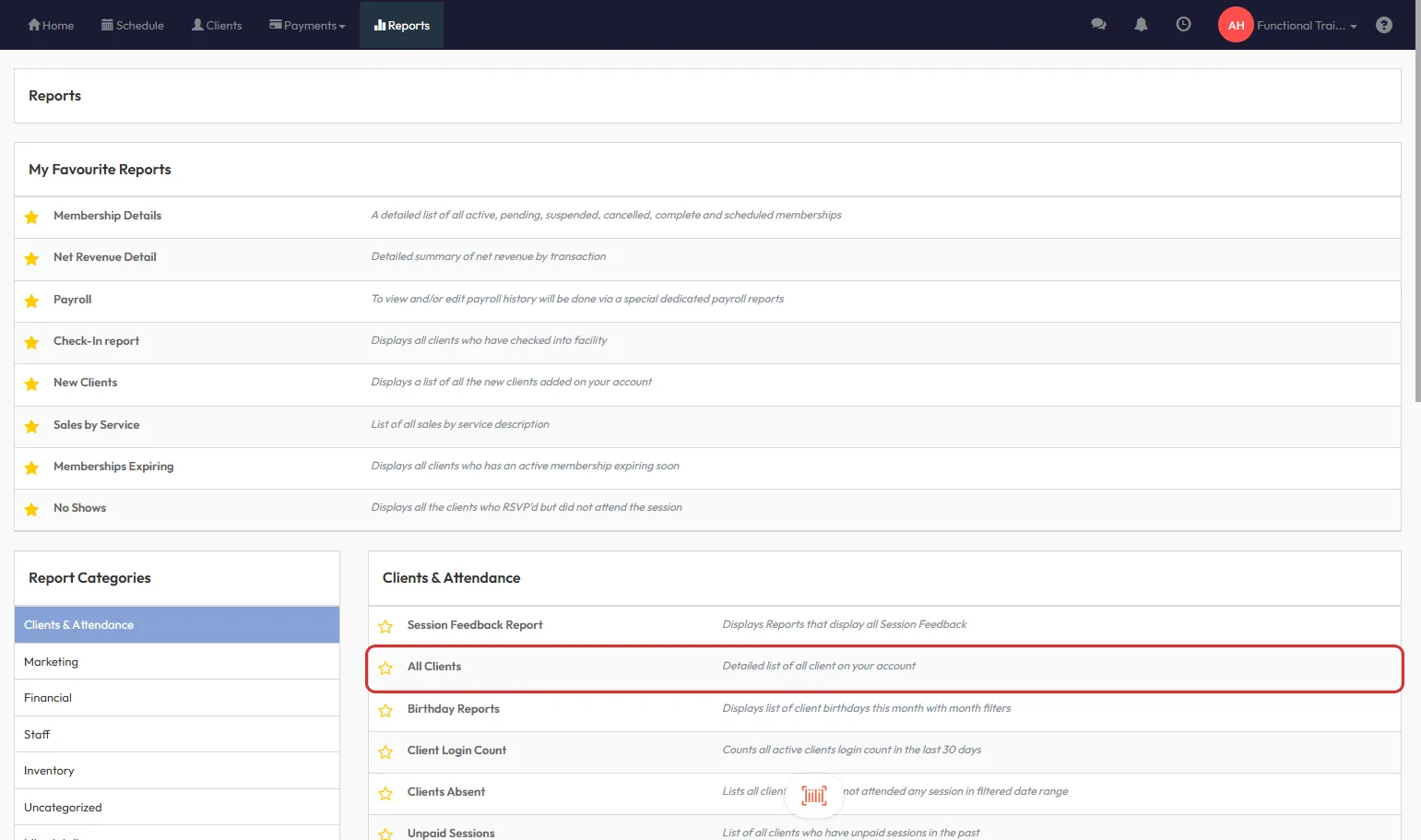
Step 4: Select the “All Clients” Report
- In the Clients & Attendance section, click on All Clients.
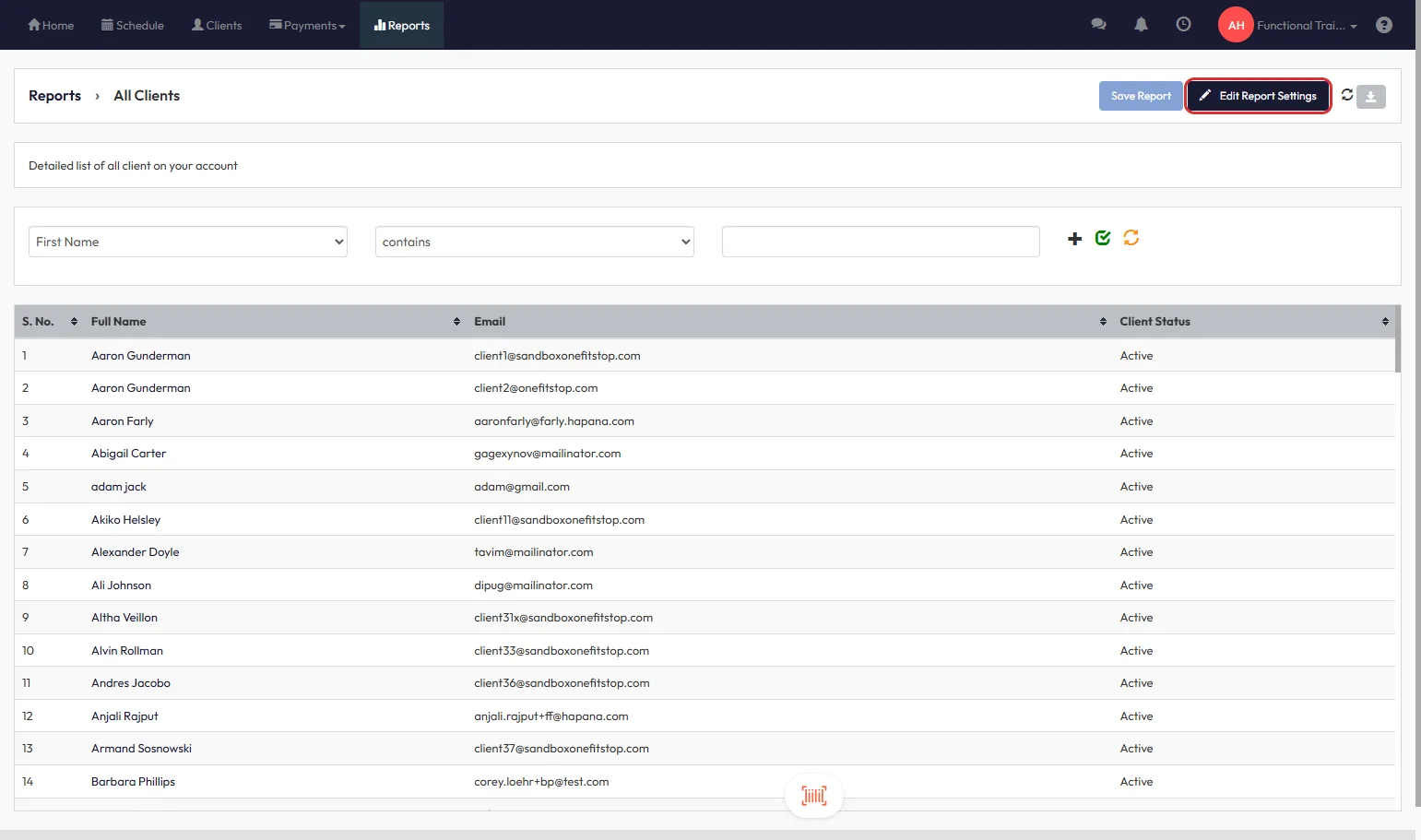
Step 5: Open Edit Report Settings
- Click the Edit Report Settings button on the upper right-hand corner of the report.
Step 6: Customize Report Columns
- Tick the checkboxes for the data you want to include:
- Opt in/out to SMS
- Opt in/out to Email
- Any additional fields as required
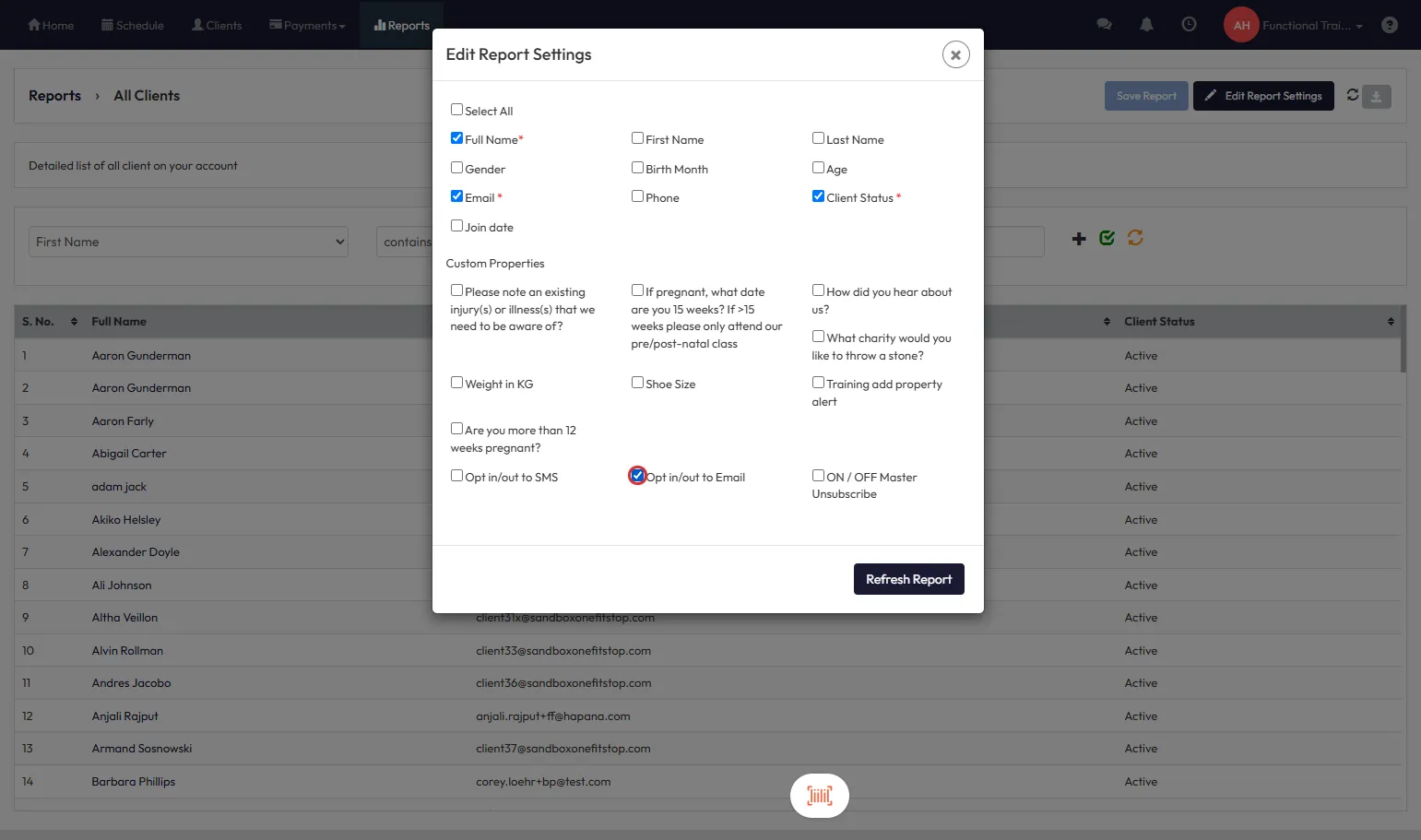
Tip: You can also include the ON/OFF Master Unsubscribe if you're auditing complete communication preferences.
Step 7: Refresh the Report
- Once satisfied with your selection, click Refresh Report.
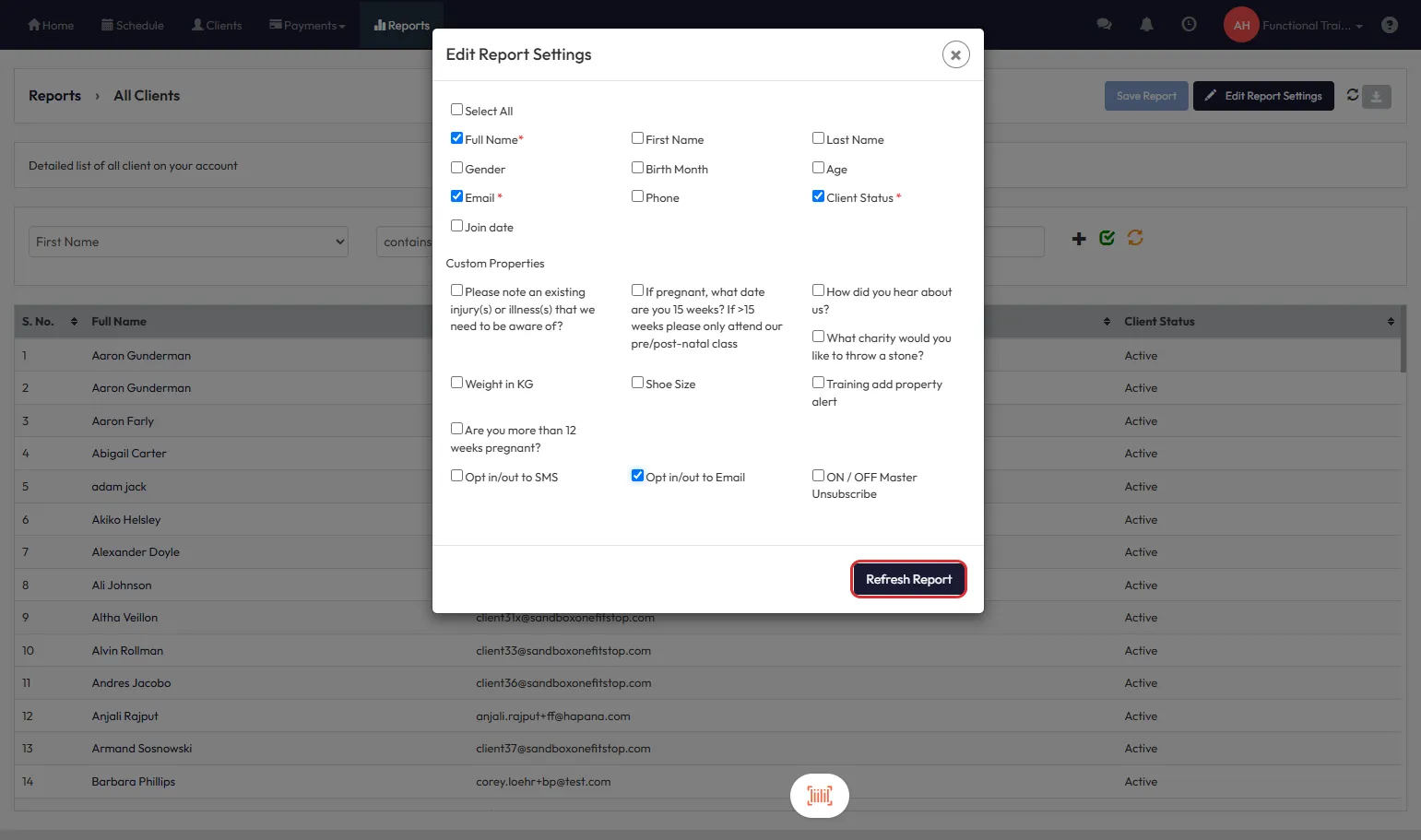
Step 8: Review and Download Your Report
- The updated report will display with your selected columns.
- Click the Download icon (next to Edit Report Settings) to export the report.
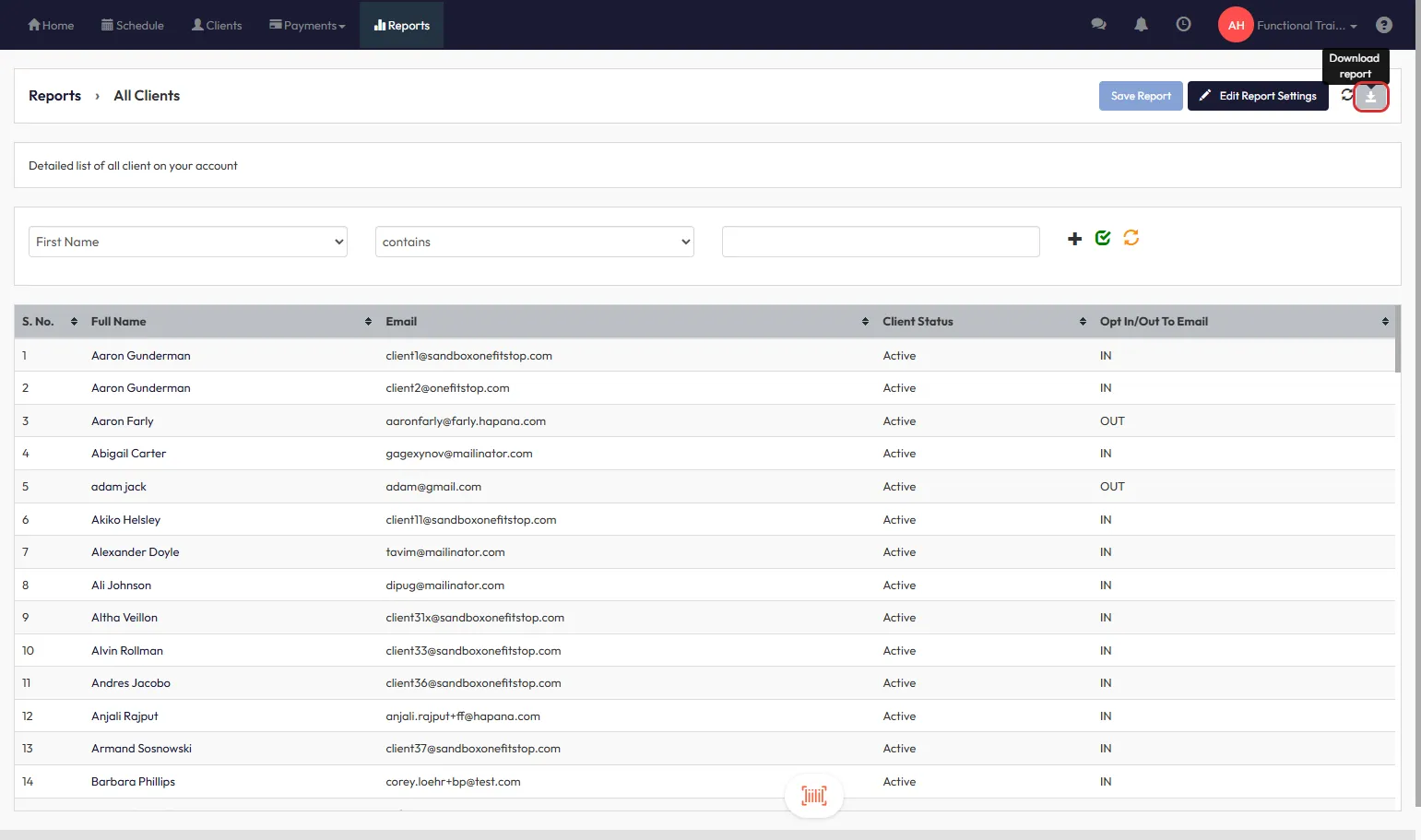
Expected Outcome
You’ll have a clear view of each client’s SMS, email, and unsubscribe preferences. The data can be exported and used for targeted communications or data auditing.
FAQs
Q: Can I export only clients who have opted out?
A: Yes, apply filters after generating the report and export accordingly.
Q: Will this show historical changes to preferences?
A: No, this reflects the current status only.
Q: Where can I find unsubscribe information?
A: Use the ON/OFF Master Unsubscribe column in Edit Report Settings.
Reach out to our support team via support@hapana.com if you have any questions.