Overview
Highlight specific ‘Private Sessions’ on your website by adding them as a widget! The ‘Privates’ widget allows your clients to easily book private sessions, with specific instructors, without having to leave your website.
Setup Guide:
Step 1:
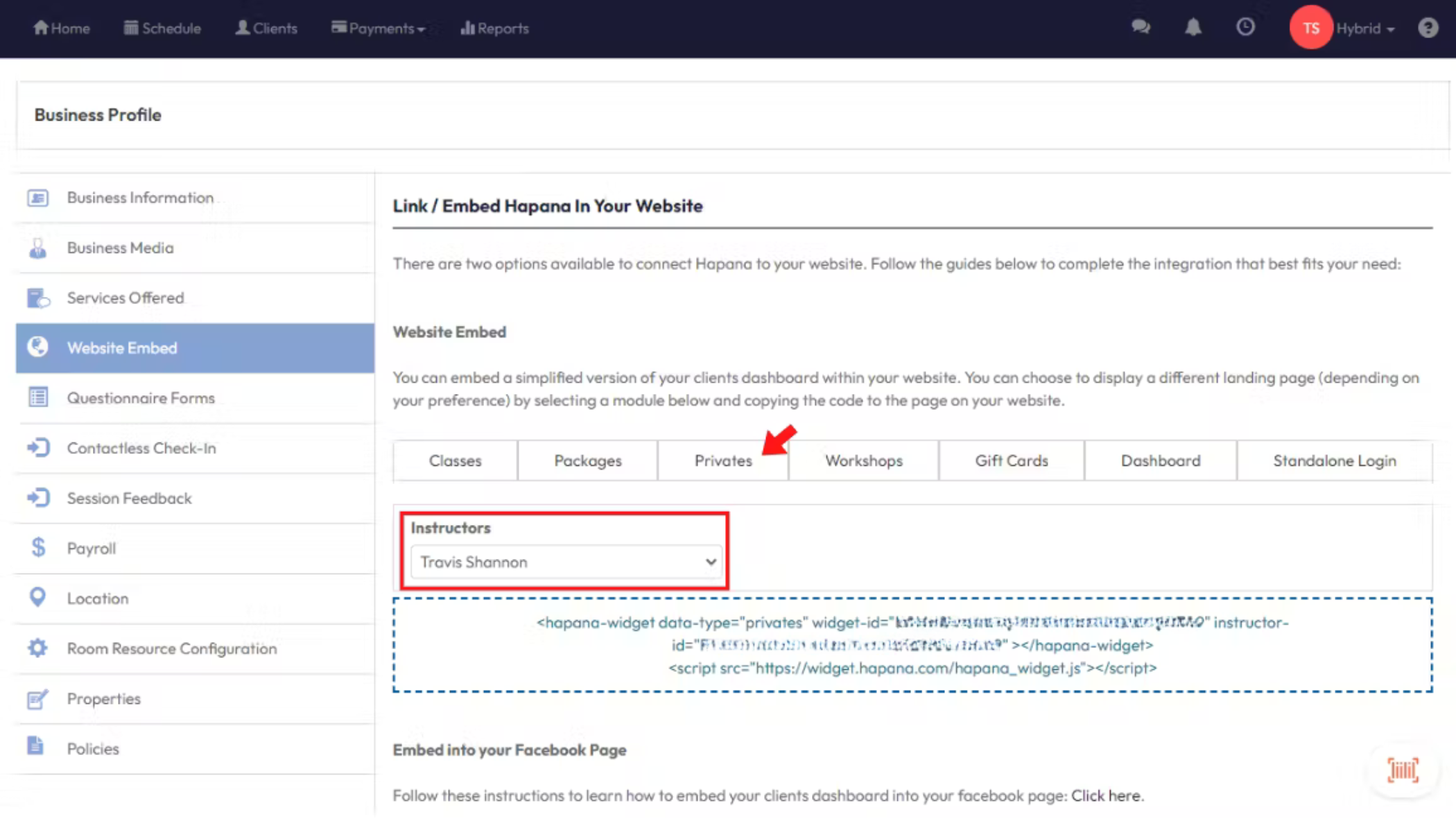
Log in to your your Hapana Core account and navigate to the top right menu > Edit Profile > Website Embed and select the ‘Privates’ tab. All of your instructors will be listed under the ‘Instructors’ dropdown menu. You have the option to add the widget for all instructors or for a specific instructor.
Step 2:
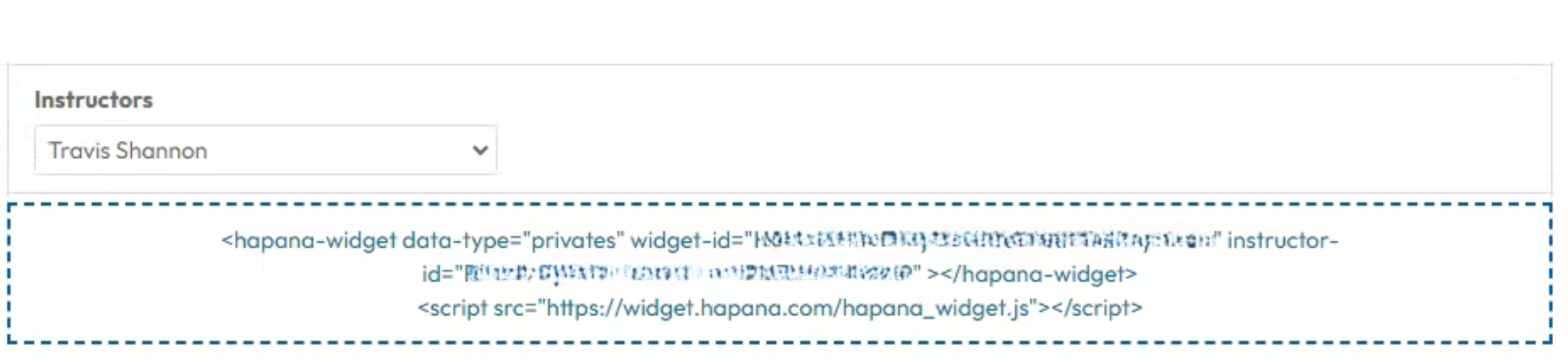
After selecting the desired instructor/s, the system will display the widget ID code that can be copied into your website builder. Note: the code will change for each individual instructor selected.
Expected Outcome
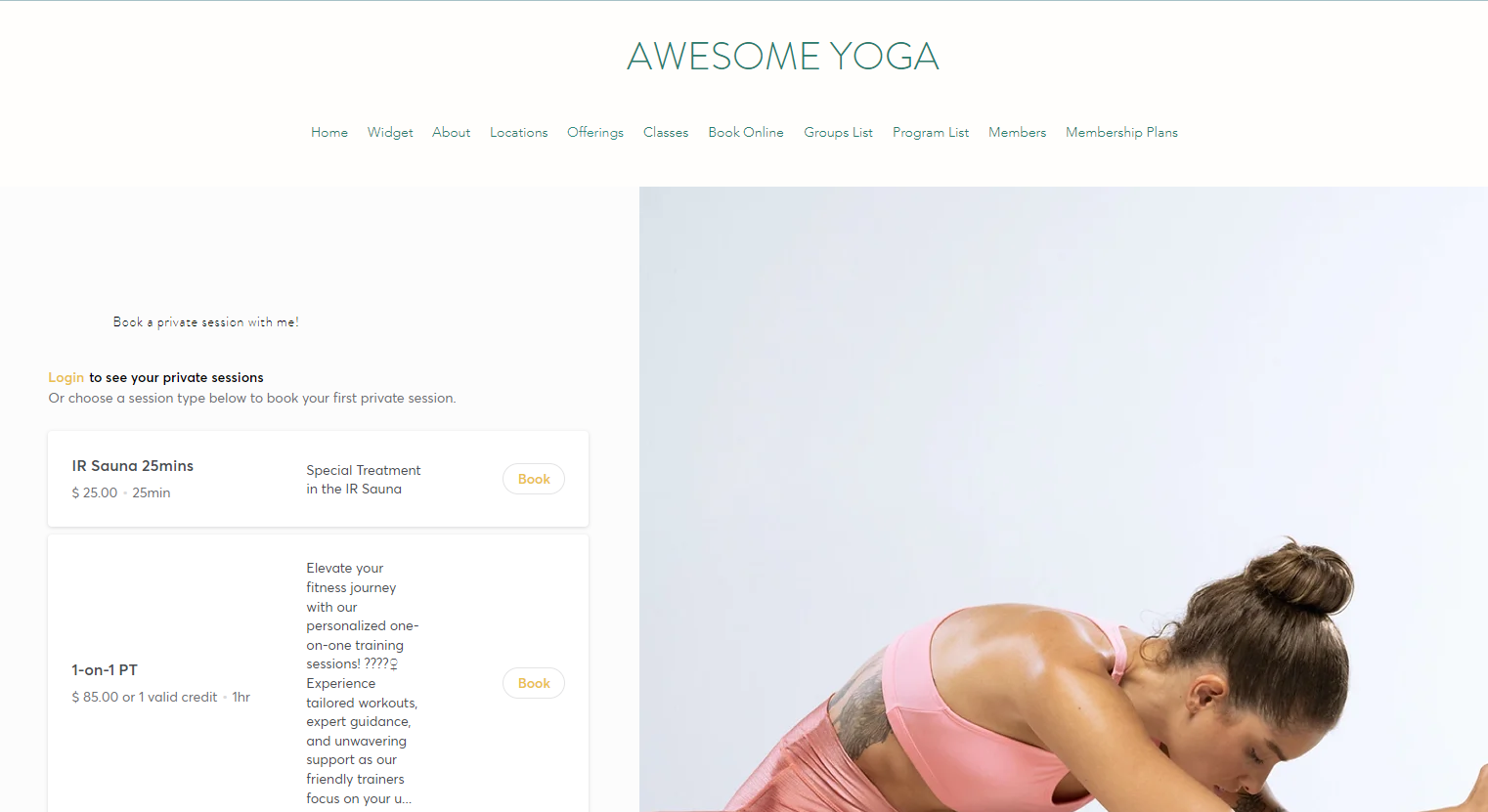
After adding the code to your website, the ‘Privates’ widget will look similar to the below image.