Overview
To seamlessly integrate the 'standalone login' functionality onto your website, you can embed it as a widget. This enables your users to directly log in to their account without having to navigate through additional pages or prompts nor leave your website.
Setup Guide:
Step 1:
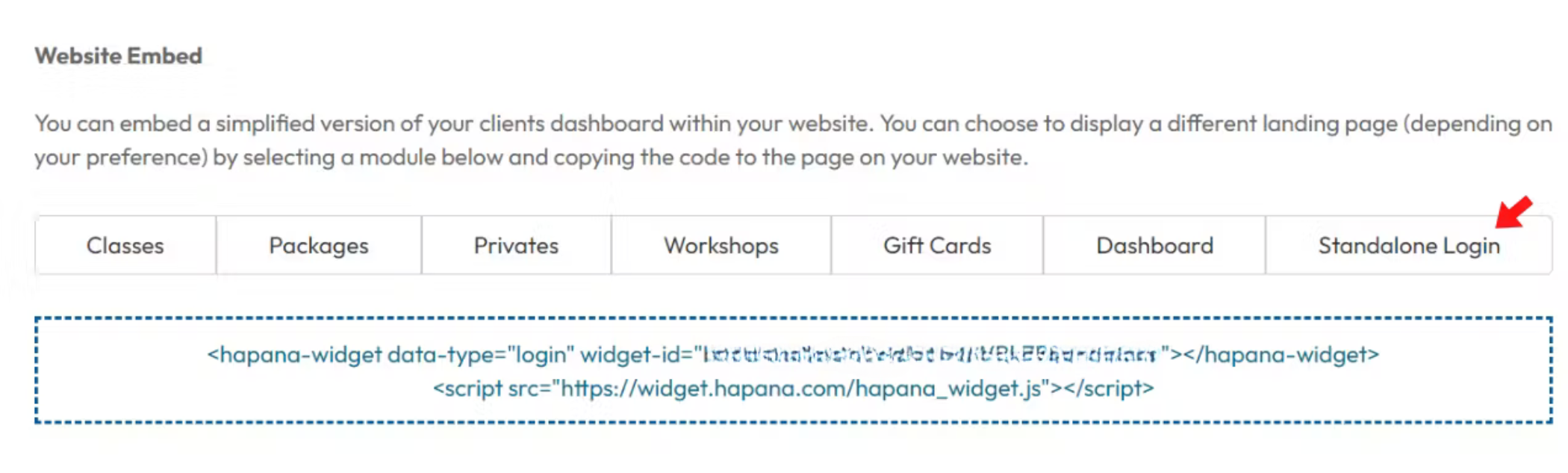
Log in to your Hapana Core account and navigate to the top, right menu > Edit profile > Website Embed and select the 'Standalone Login' tab.
Step 2:
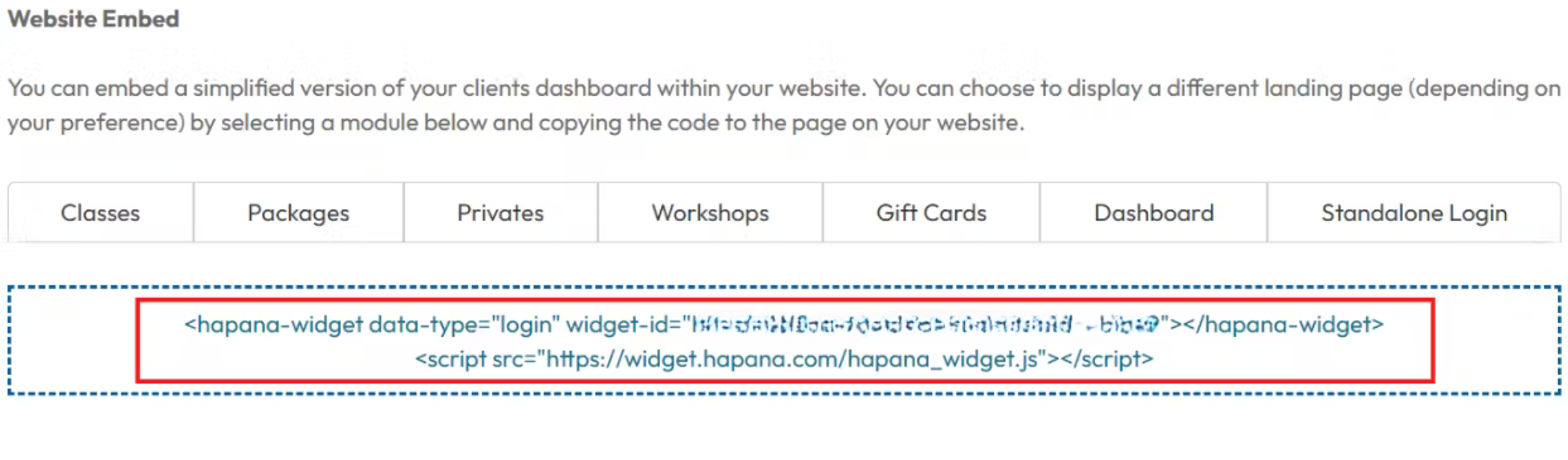
After clicking the 'Standalone Login' tab, the sytem will display widget ID code that can be copied into your website builder.
Expected Outcome
After embedding the code to your website, the ‘login or sign up’ button will be visible on your website, similar to the image below.