
Overview
Widgets can add dynamic features and functionality to your site, making it more engaging and personalized. This user guide will walk you through the simple process of installing Hapana’s widgets on your WordPress website.
Before You Begin
- Ensure that you have an active Wordpress account with an active domain.
- Log in to https://core.hapana.com/ and navigate to Core > Edit profile > Website Embed and Identify the specific widgets you want to install on your website:
-
- Classes
- Packages
- Privates
- Workshops
- Gift Cards
- Dashboard
- Standalone Login
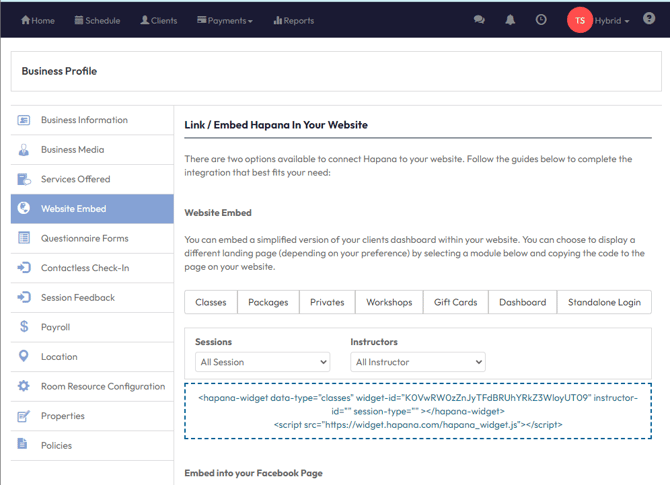
Steps to Add a Widget
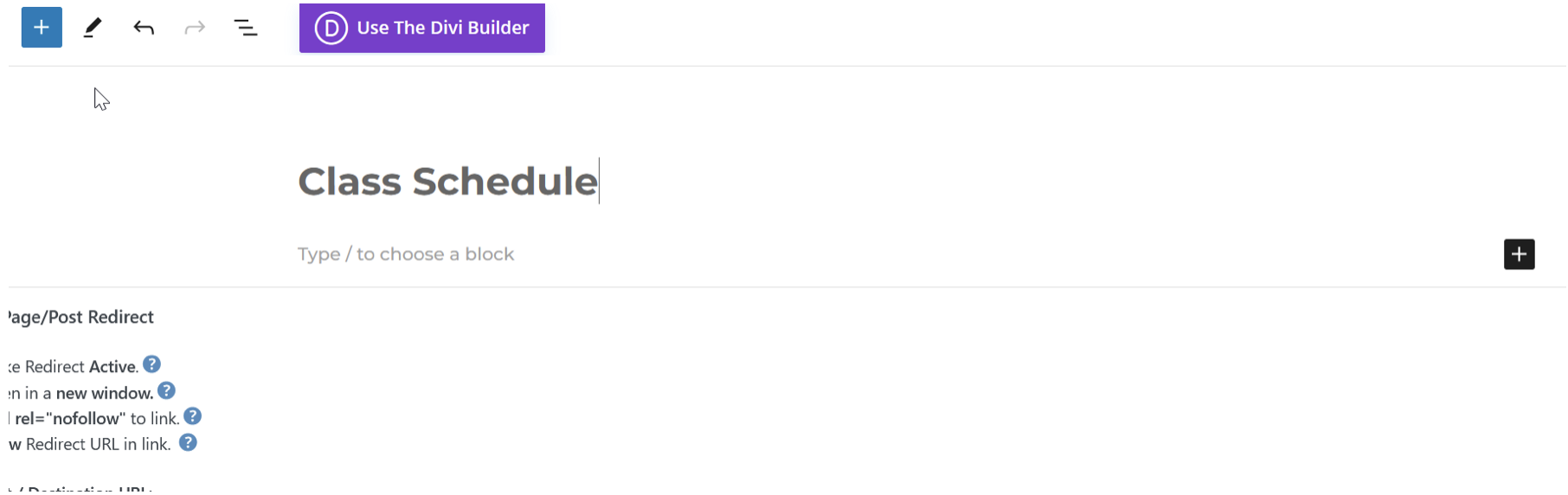
- Add a new Block by clicking the +
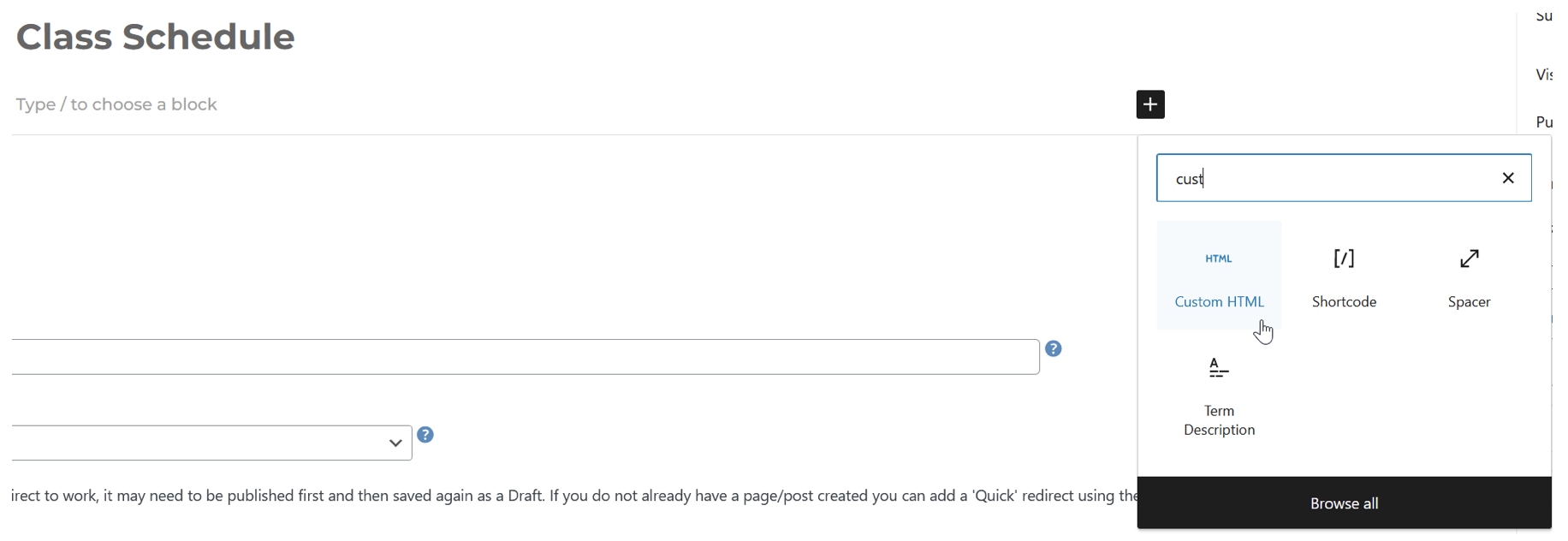
- Choose the Custom HTML Block
3. Insert the Hapana embed widget code
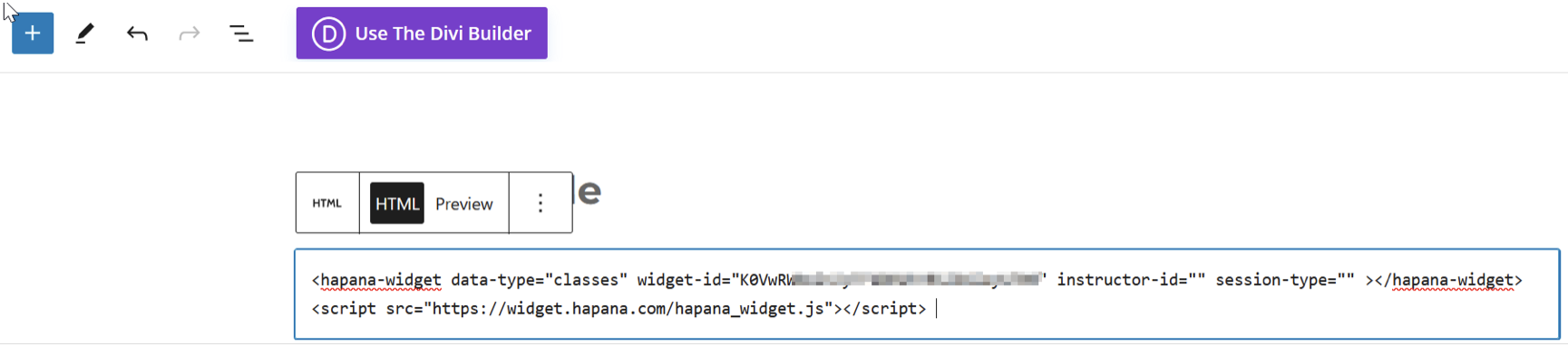
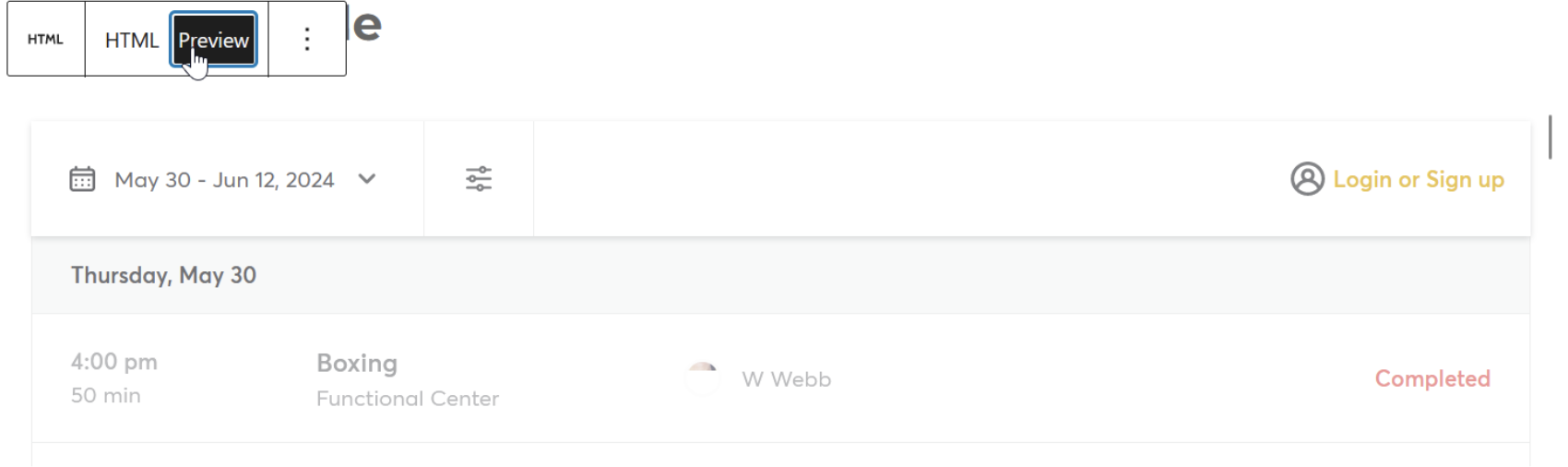
4. Click Preview to check that the widget correctly loads.
5. Save and Publish your changes
Need help? Reach out to our support team via support@hapana.com