Overview
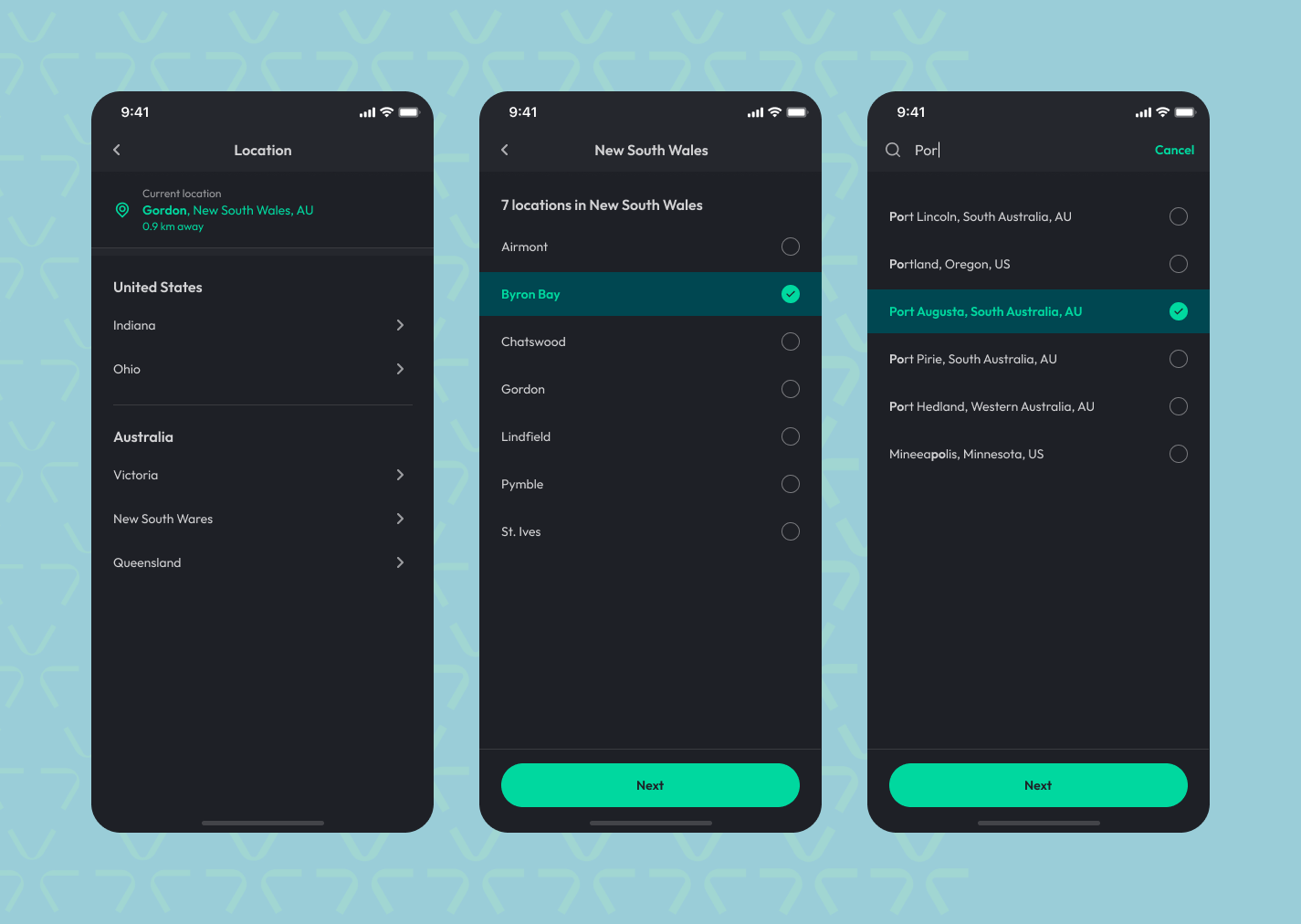
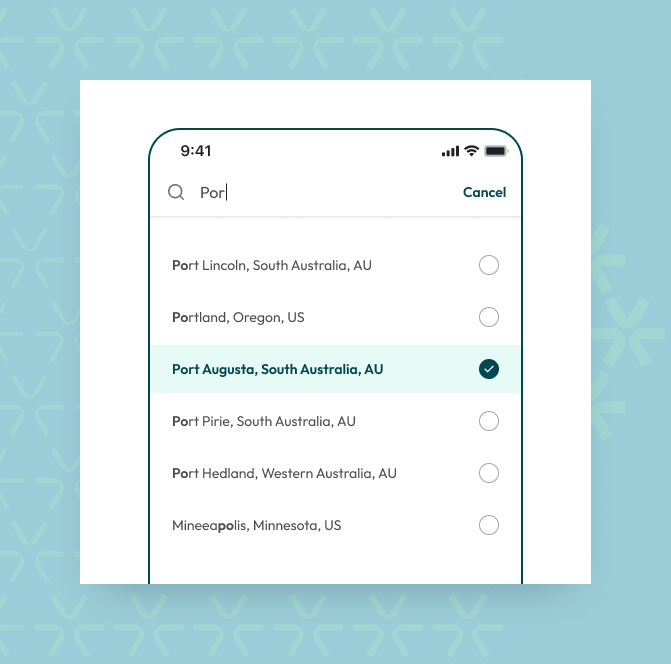
Finding a specific location is now quicker and easier! If your brand has more than 10 locations, you can search by name, region, or country instead of scrolling through a long list. Simply tap the magnifying glass icon to open the search bar with auto-suggestions, making location selection seamless—whether you're signing up or switching locations from the home screen.
Key Benefits
1. Effortless Location Selection During Sign-Up
-
Quickly find and choose a gym or studio without endless scrolling.
2. Seamless Location Changes from Home
-
Instantly search and switch locations using the search bar instead of manual browsing.
3. Auto-Suggestions for Faster Searches
-
Just type two or more letters, and relevant locations based on name, region, or country will appear.
4. Favourite Locations for Quick Access
-
Mark frequently visited locations as favourites for faster selection in the future.
Things to Keep in Mind
-
Search is only available for brands with more than 10 locations – If your brand has 10 or fewer locations, you will still select from a manual list.
-
No current location UI in the sign-up flow – Since users are selecting a location for the first time, the current location display is not shown.
-
Favourites cannot be set during sign-up – Users can mark favourite locations only when changing locations from the home screen.
-
No distance information displayed – Search results will show the location name, region, and country but won’t include distance details.