
Overview
This guide explains how staff can view a client’s total attendance across all brand locations directly inside CORE. It helps teams match internal data with the mobile app view, eliminate confusion, and support members more confidently — even when they attend multiple or inactive sites.
Step-by-Step Instructions
Step 1: View Attendance Totals in the Client Profile
- Go to Core > Clients > Client Detail Screen.
- Open the client’s profile.
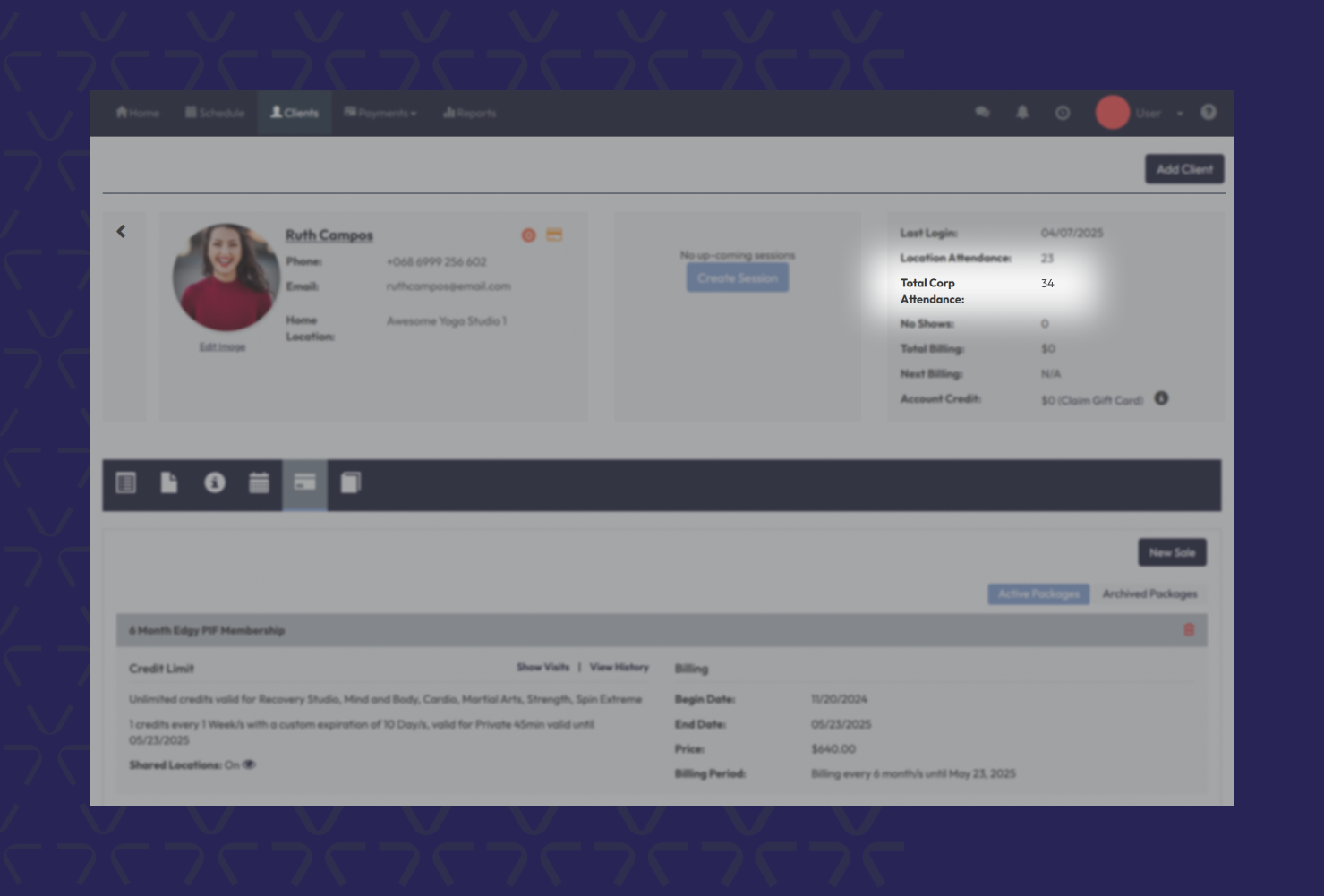
- In the top-right attendance section, you’ll see:
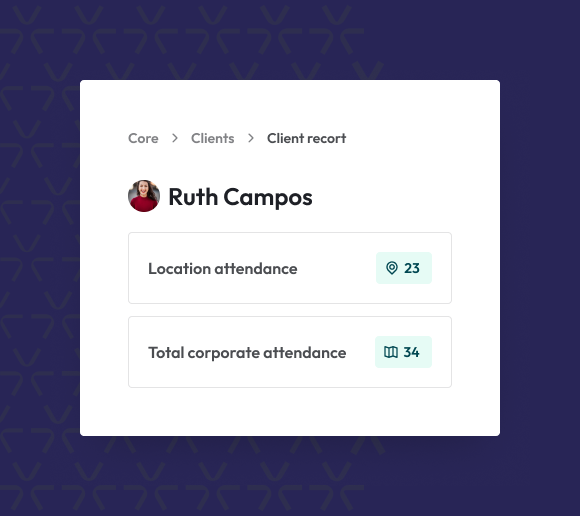
- Location Attendance – Sessions attended at that specific location.
- Total Corp. Attendances – Sessions attended across all brand locations.
Expected outcome
Staff can now easily view both location-specific and brand-wide attendance for any client, making package discussions, retention planning, and support faster and more accurate.
Troubleshooting / FAQs
Q: What if the corporate attendance number doesn’t appear immediately?
A: If the system is running slowly, you might see an icon instead of a number. Just click the icon to generate the attendance total manually.
Q: Will viewing brand-wide attendance slow down the client profile screen?
A: It might slightly increase load time. To maintain speed, CORE sometimes hides the corporate total behind a click-to-generate icon.
Q: What format are attendance numbers shown in?
A: Attendance values are shown as whole numbers (no decimals) and can range from 0 to 100,000.
Still need help?
Reach out to our support team via support@hapana.com