
Overview
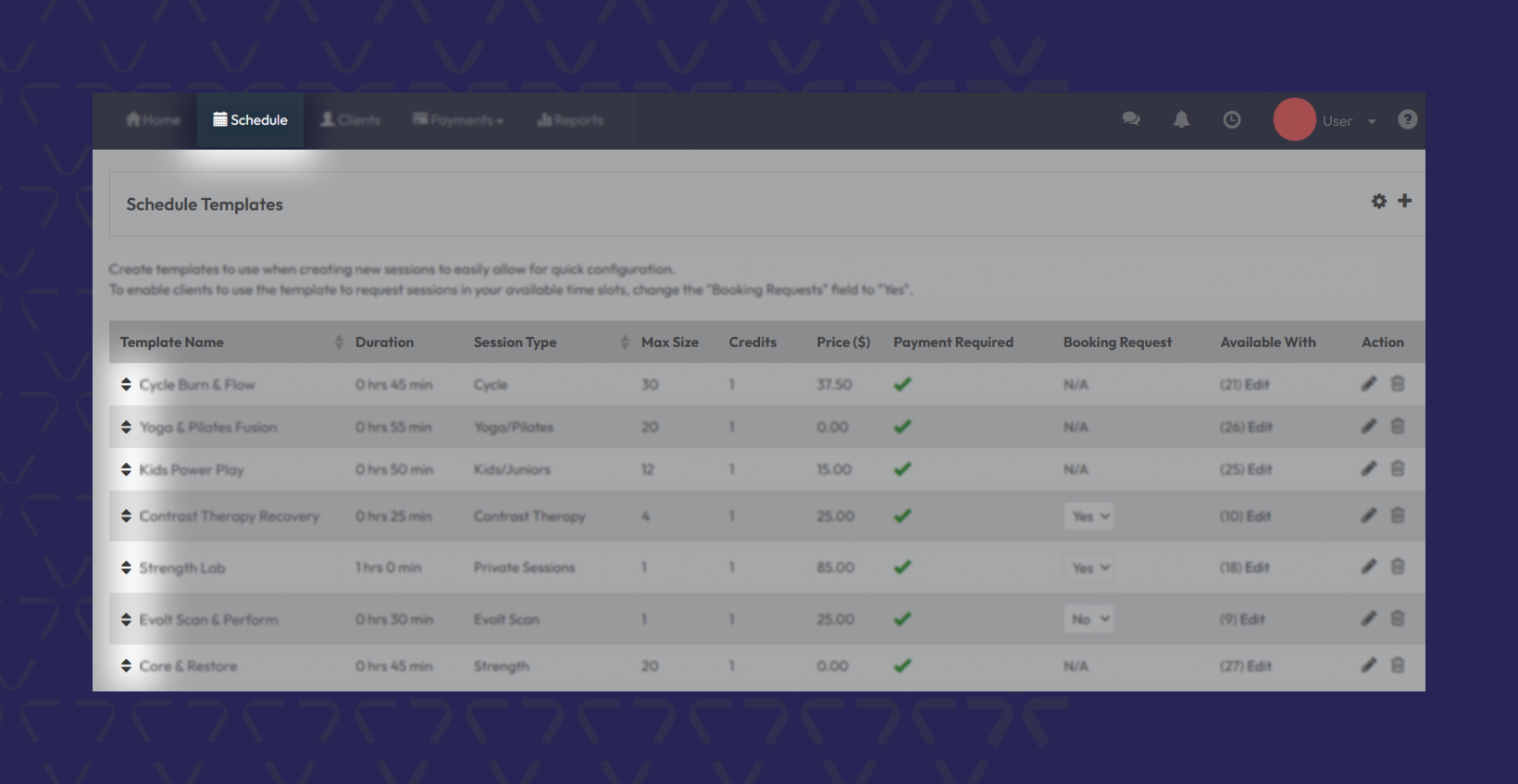
You can now control the order of your Schedule Templates in Core > Schedule > Schedule Template, giving you full control over how Private Sessions appear to members in the mobile app. This helps you highlight your most important offerings and fine-tune the booking experience.
Prerequisites
• Access to Core Scheduling
• At least one Private Service schedule template created
• Admin-level permissions
Step-by-Step Instructions
Go to Schedule Templates
• Navigate to Core > Schedule Settings > Schedule Templates
• You’ll see a list of all existing templates
Drag and Drop to Reorder
• Click and hold the handle next to a template
• Drag it up or down to reorder the list
• The new order is saved and used for mobile display
Tip: Arrange services by popularity, type, or promotional priority
View the Update in the Mobile App
• Open the member mobile app
• Head to Schedule > Sessions Tab
• You’ll see the updated service order as you configured it
Expected outcome
Private Sessions will display in your custom order within the app, giving members a clearer path to book what matters most — and letting you lead with priority offerings.
Troubleshooting / FAQs
Does this change affect other schedule views?
No — this only impacts how Private Sessions appear in the mobile app.
Can I reorder templates across multiple locations?
Template reordering is location-specific. You’ll need to repeat this process for each location if needed.
Will changes sync immediately to the app?
Yes — once saved, changes sync automatically via API to the member app.
Still need help?
Reach out to our support team via support@hapana.com