
Overview
Need to top up a client’s package with additional credits? Whether you’re correcting a balance or offering a bonus session, you can easily add or deduct credits directly from the client’s profile in CORE.
🎥 Watch the walkthrough:
Or preview it below:
Prerequisites
Before you begin:
- You must have admin or billing access
- The client must already have an active package with credits
- Know the number of credits to add or deduct
Step-by-step instructions
Step 1: Open the client’s package
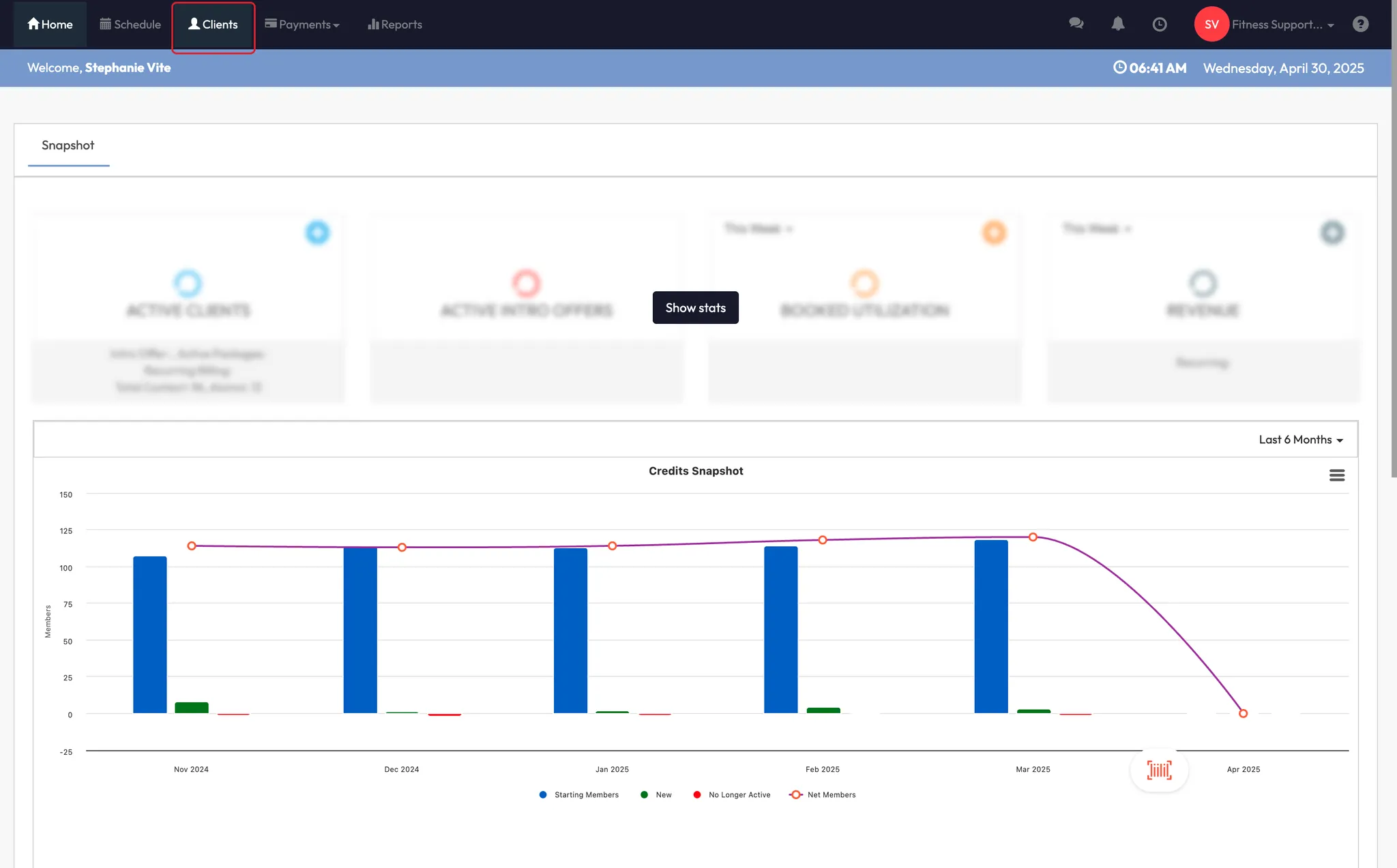
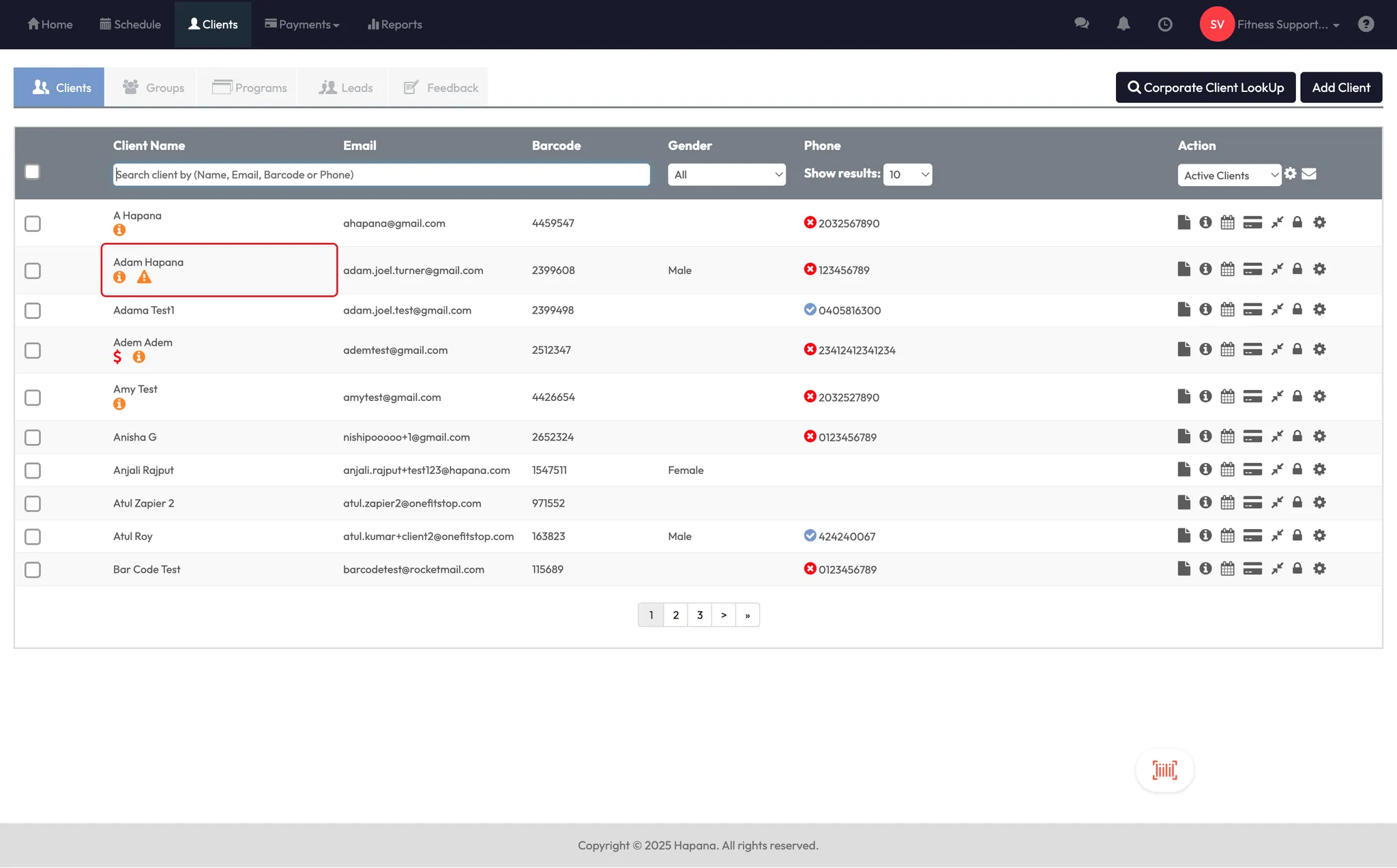
- Go to the Clients section
- Search for and select the client (e.g., “Aaron”)
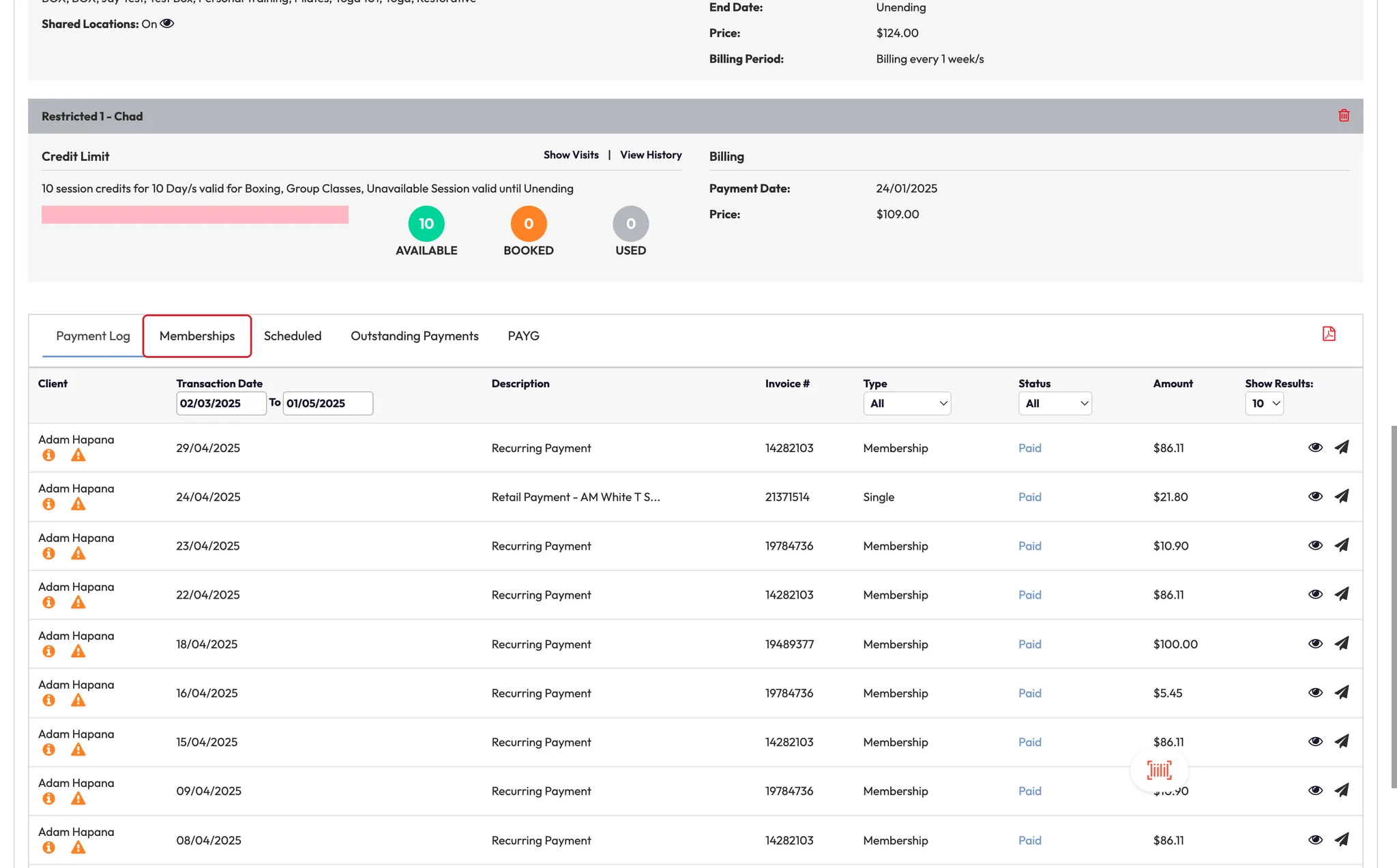
- Scroll down to the Memberships & Packages section
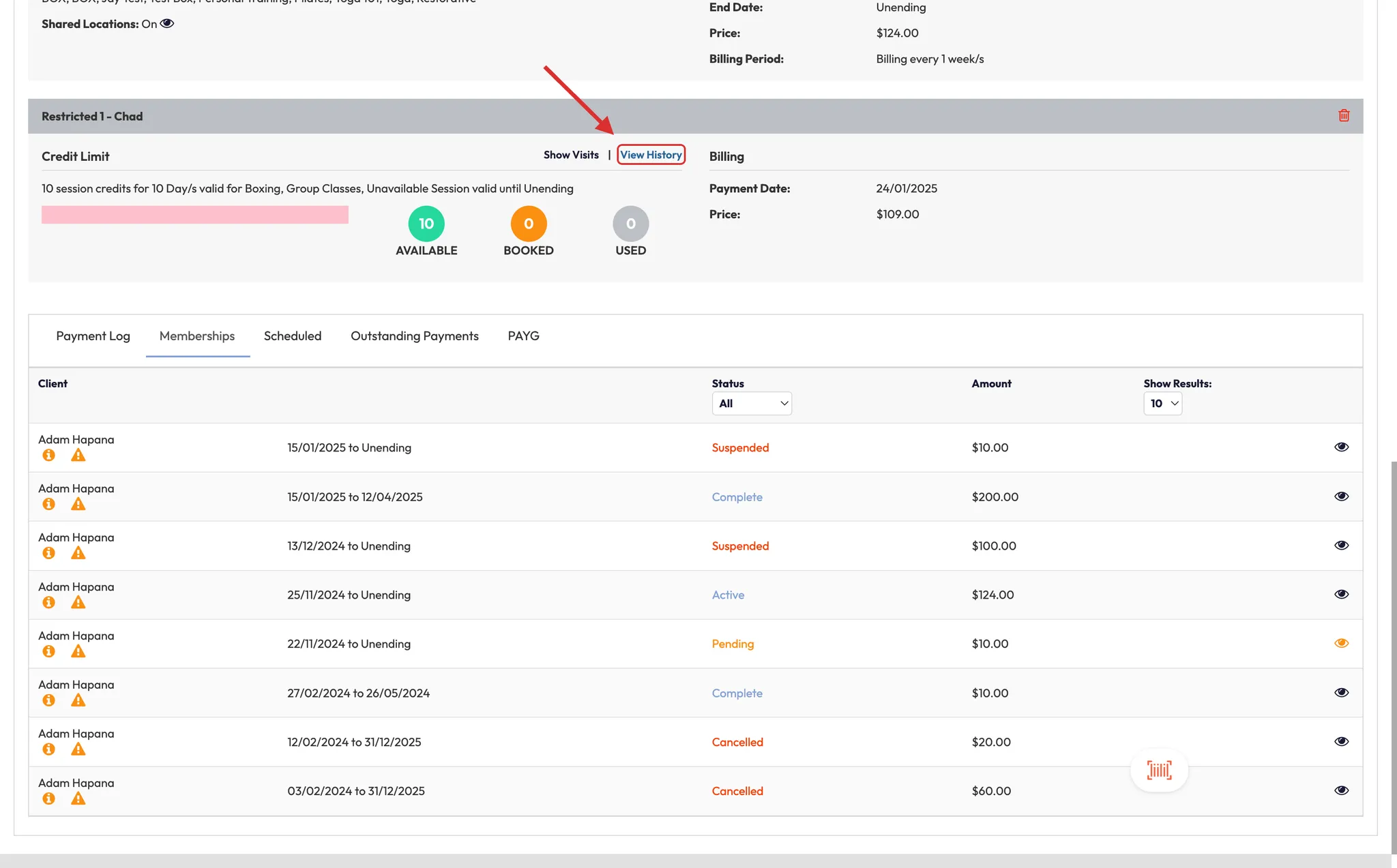
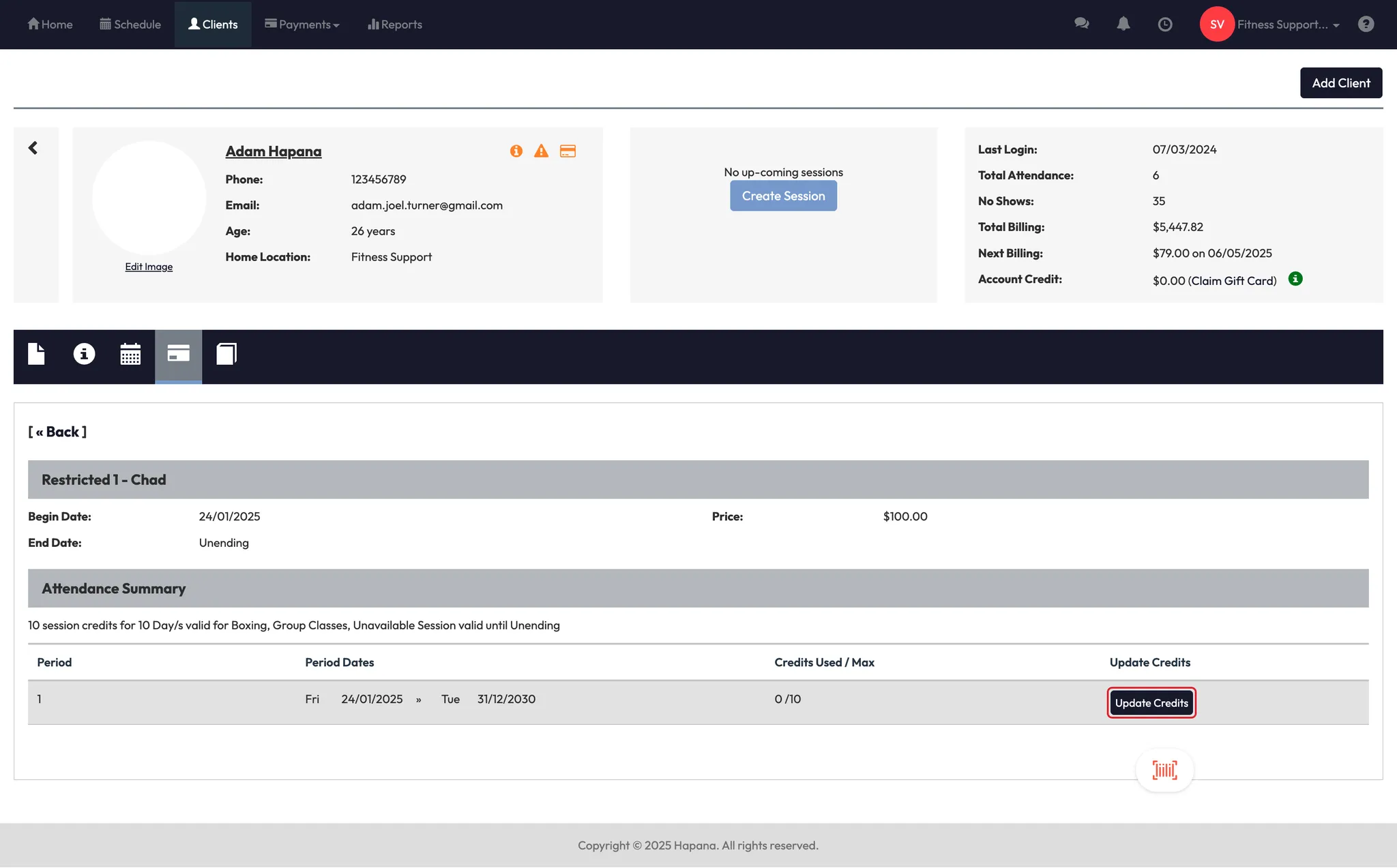
- Click View History next to the active package
Step 2: Add or deduct credits
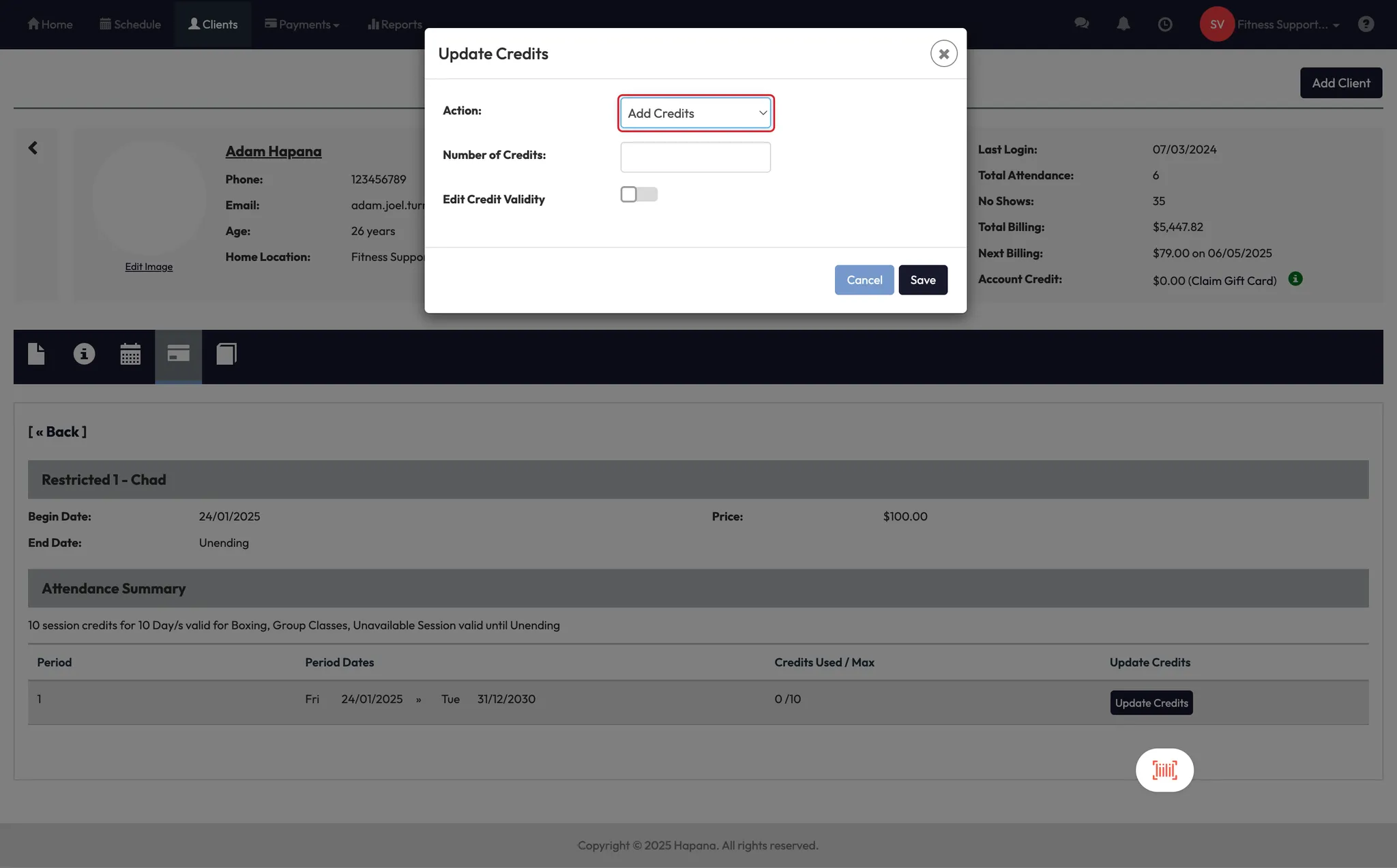
- In the history window, click Update Credits
- Choose whether to Add or Deduct
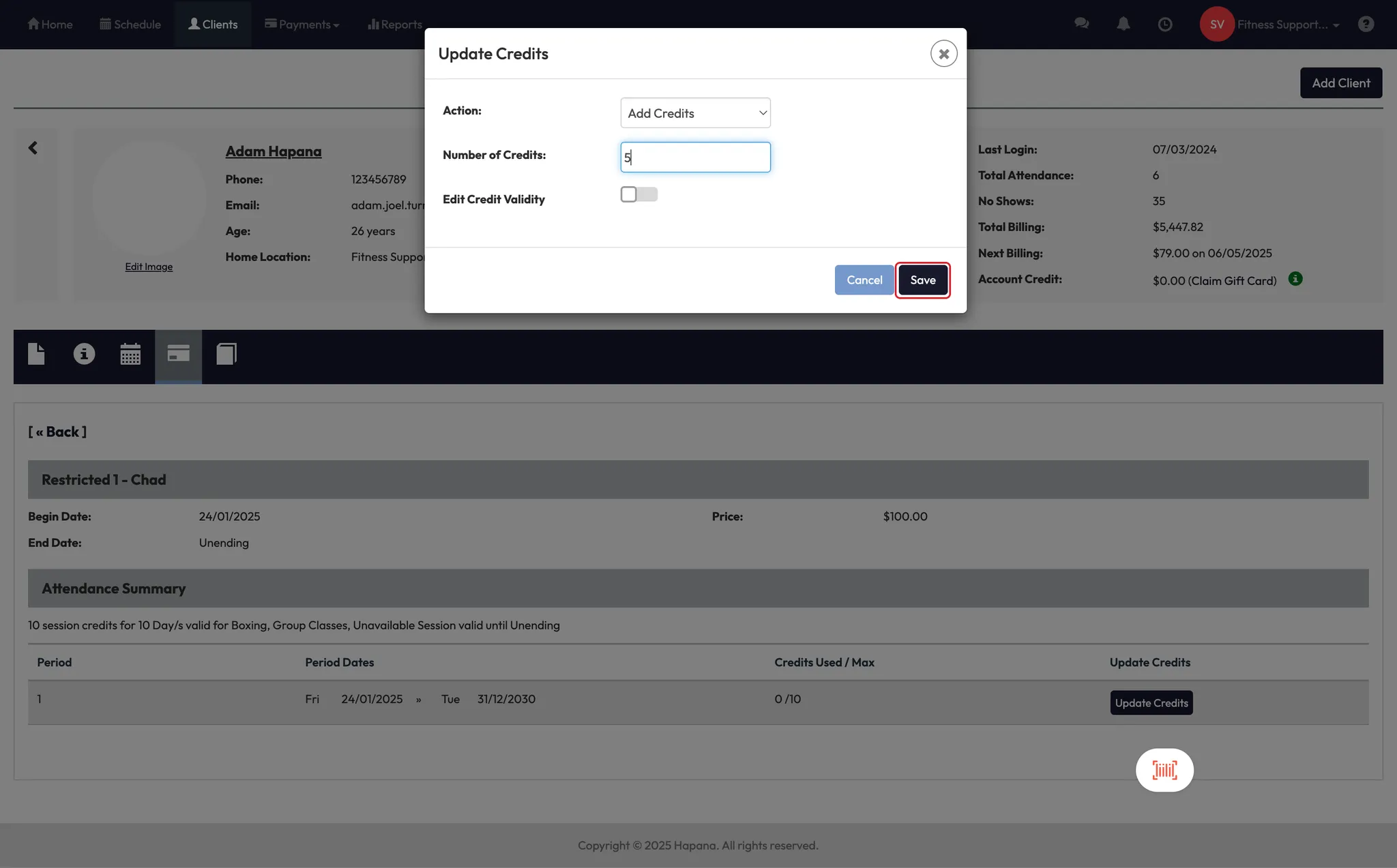
- Enter the number of credits (e.g., 2)
- Click Save
✅ Tip: This is useful for bonus sessions, make-goods, or admin corrections.
Step 3: Confirm the updated total
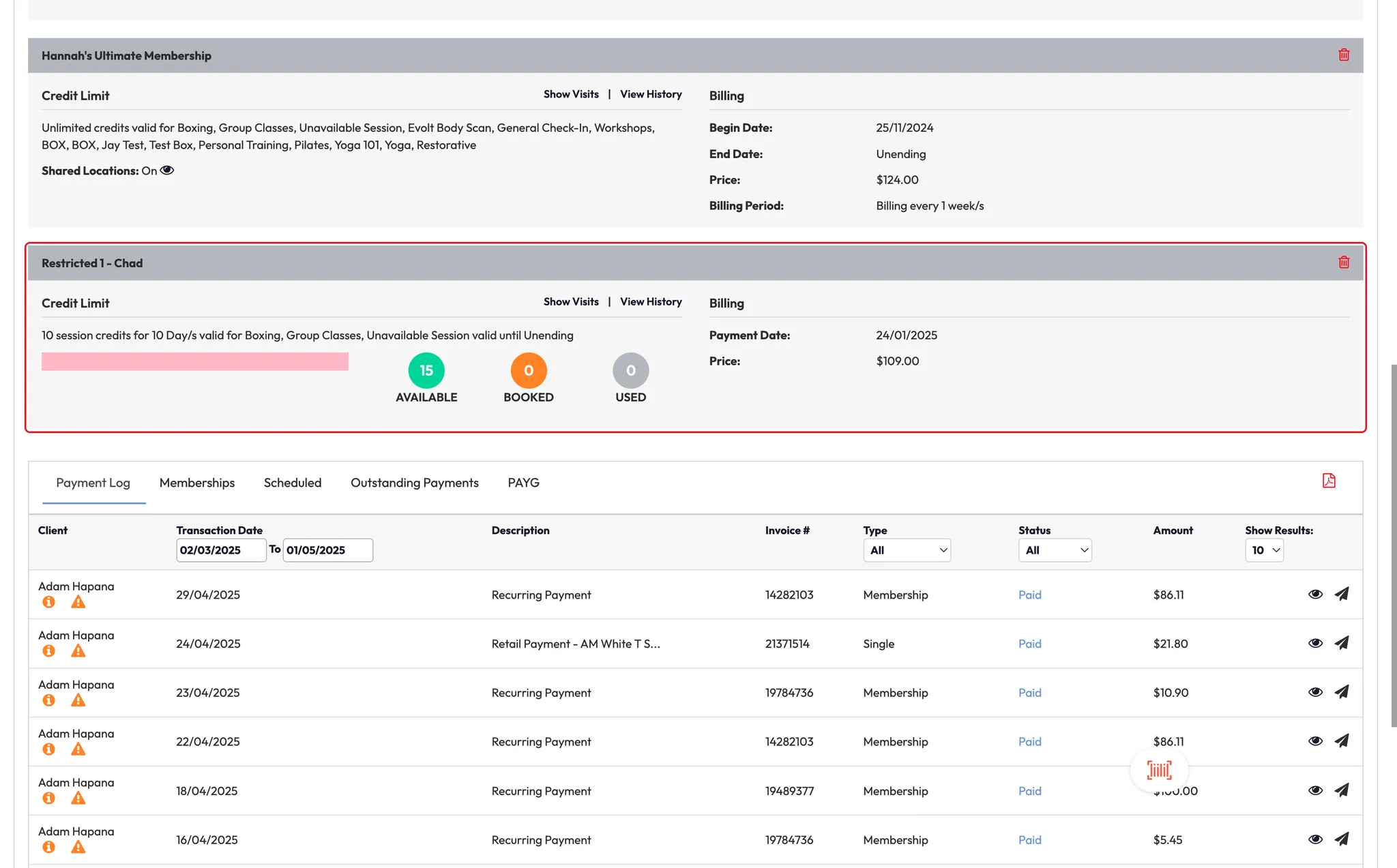
- After saving, return to View History
- You’ll see the updated credit total (e.g., increased from 3 to 5)
Changes are applied immediately and reflected in the client’s booking eligibility.
Expected outcome
The client’s package will now show the adjusted credit balance, and they can continue booking sessions accordingly. All updates are logged in the package history.
FAQs
Q: Can clients see the updated credit balance?
A: Yes — clients can view their available credits via the app or client portal.
Q: What if I accidentally add too many credits?
A: Simply repeat the steps and use the Deduct option to correct the total.
Q: Can I add credits to an expired package?
A: No — the package must be active. You’ll need to renew or assign a new one first.
Still need help?
Reach out to our support team via support@hapana.com