
Overview
You can control how clients receive promotional messages using the opt-in/opt-out communication settings. This setting determines whether clients are automatically subscribed to marketing emails and SMS messages or must opt in manually. It’s a useful tool for maintaining compliance and giving clients control over how they hear from you.
🎥 Watch the walkthrough:
Or preview it below:
Prerequisites
Before you begin:
- You must have admin access to your location’s Account Settings
- Know your studio’s communication preferences for client marketing
Step-by-step instructions
Step 1: Open your communication settings
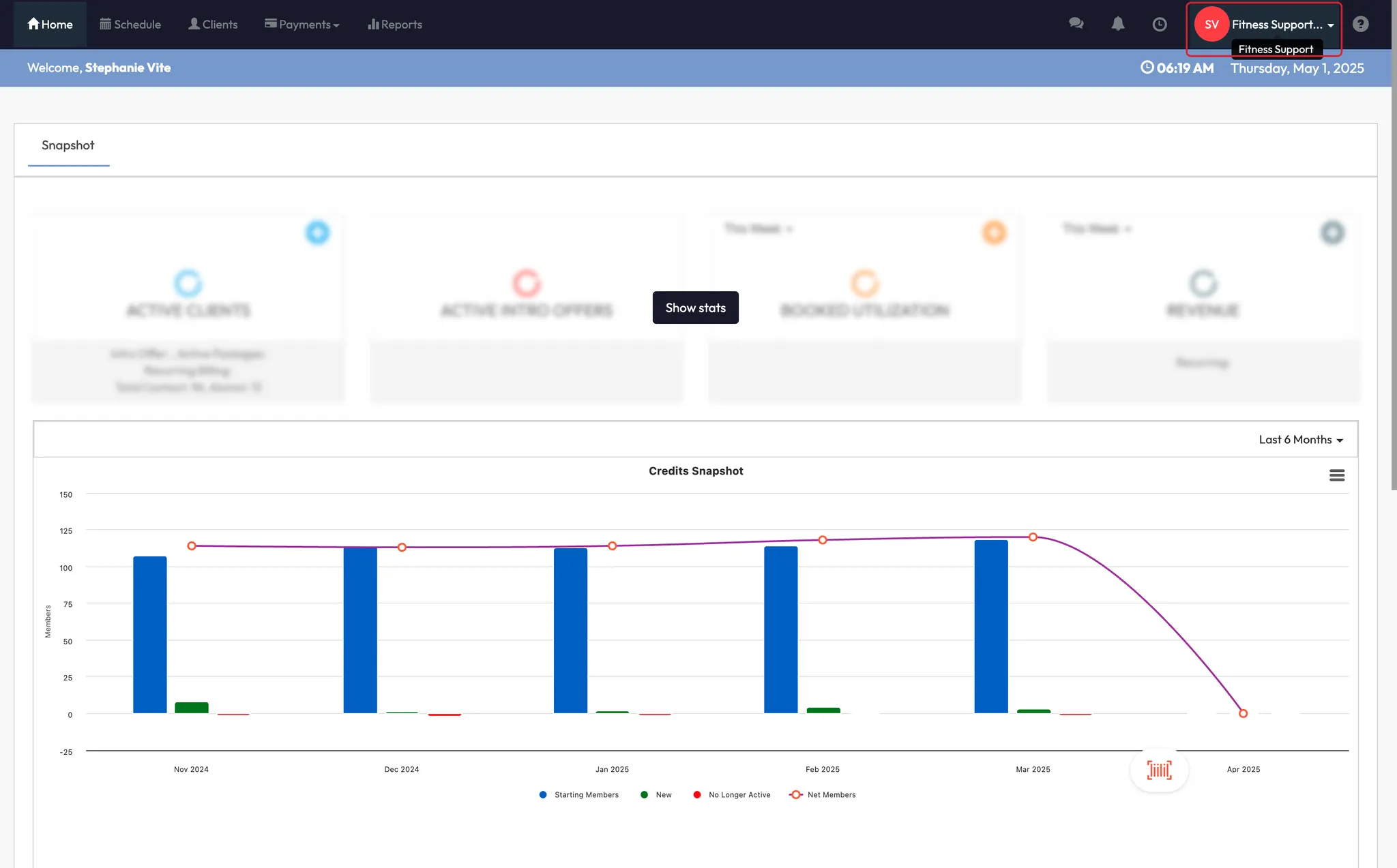
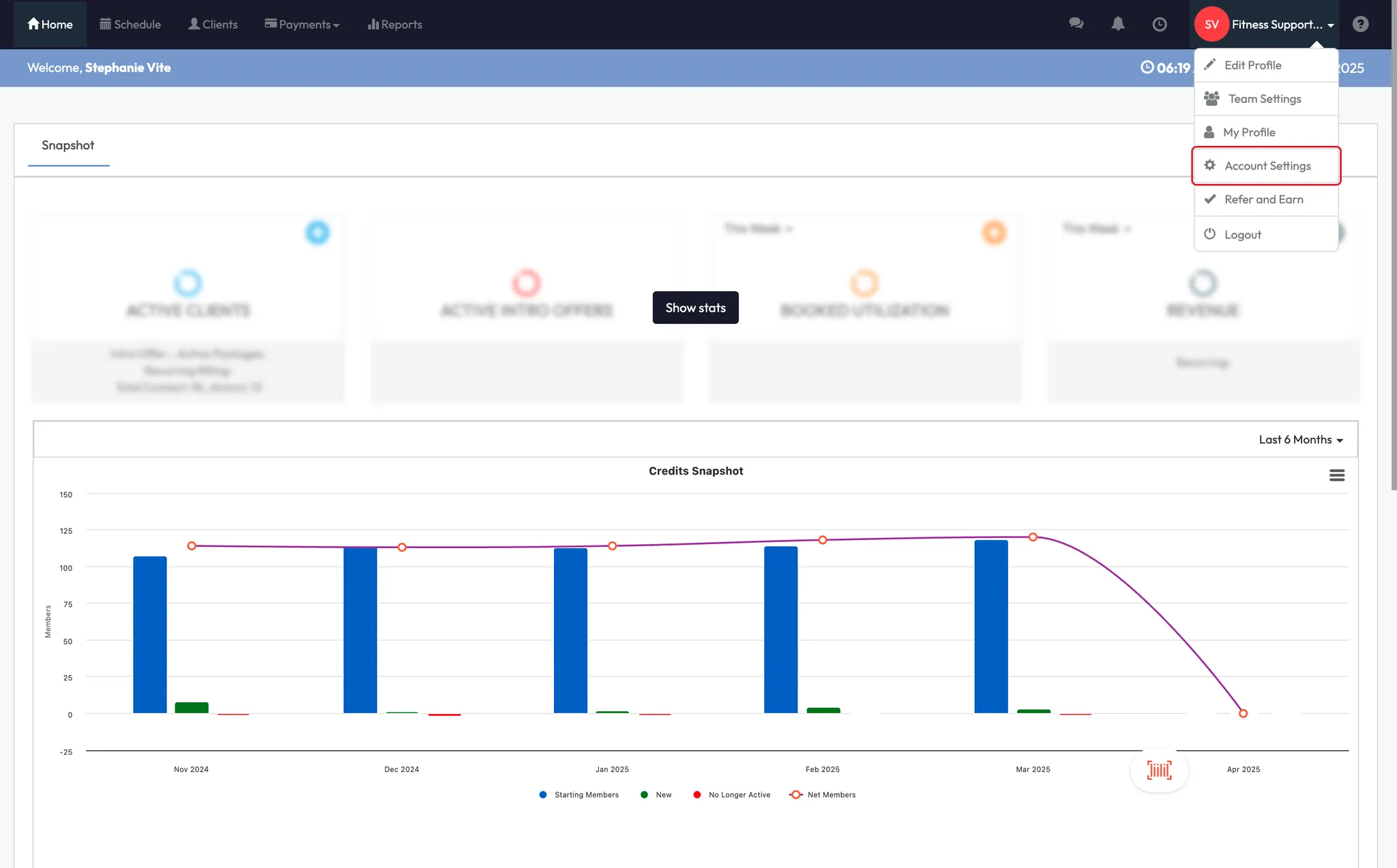
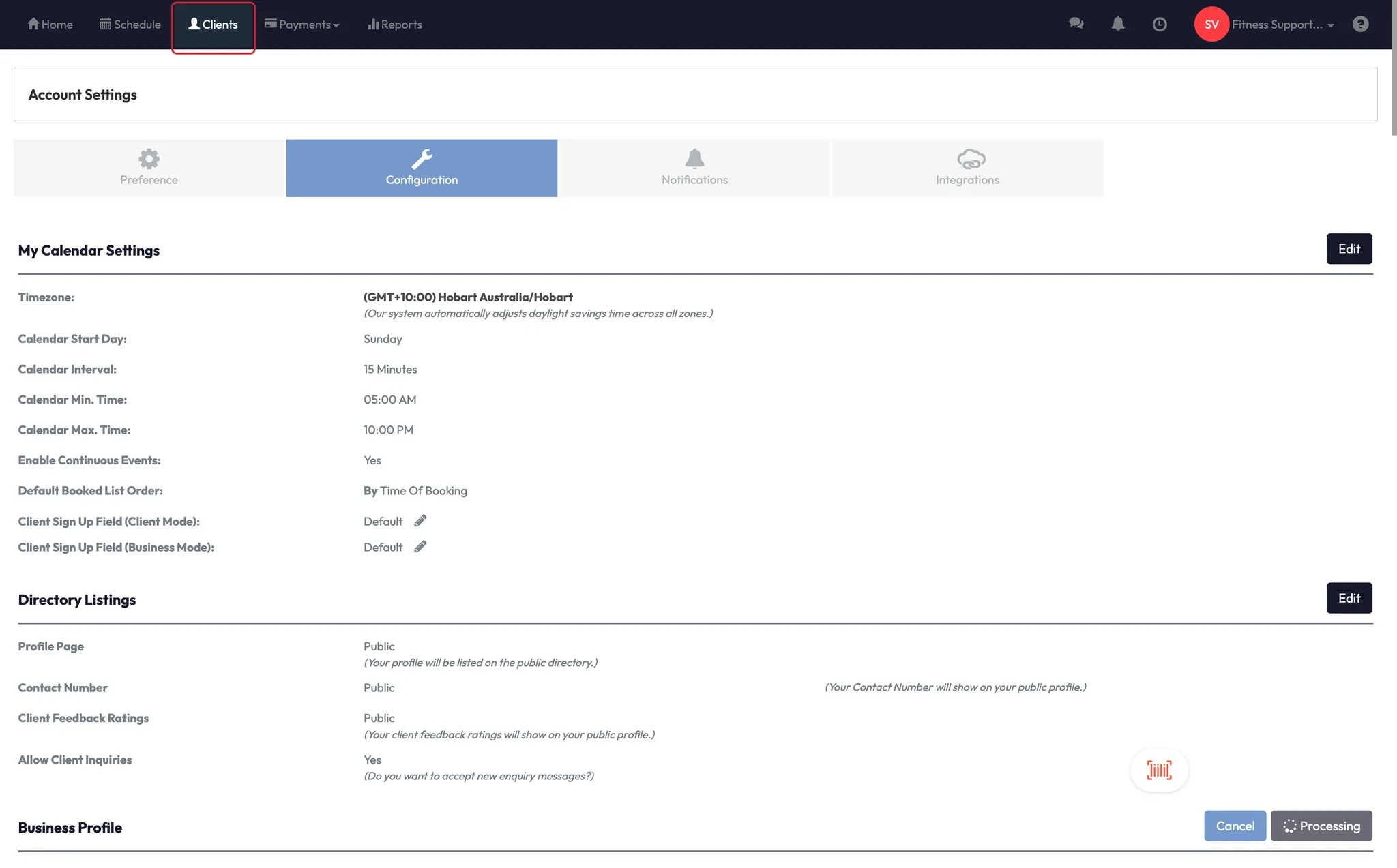
- Click your Location Name
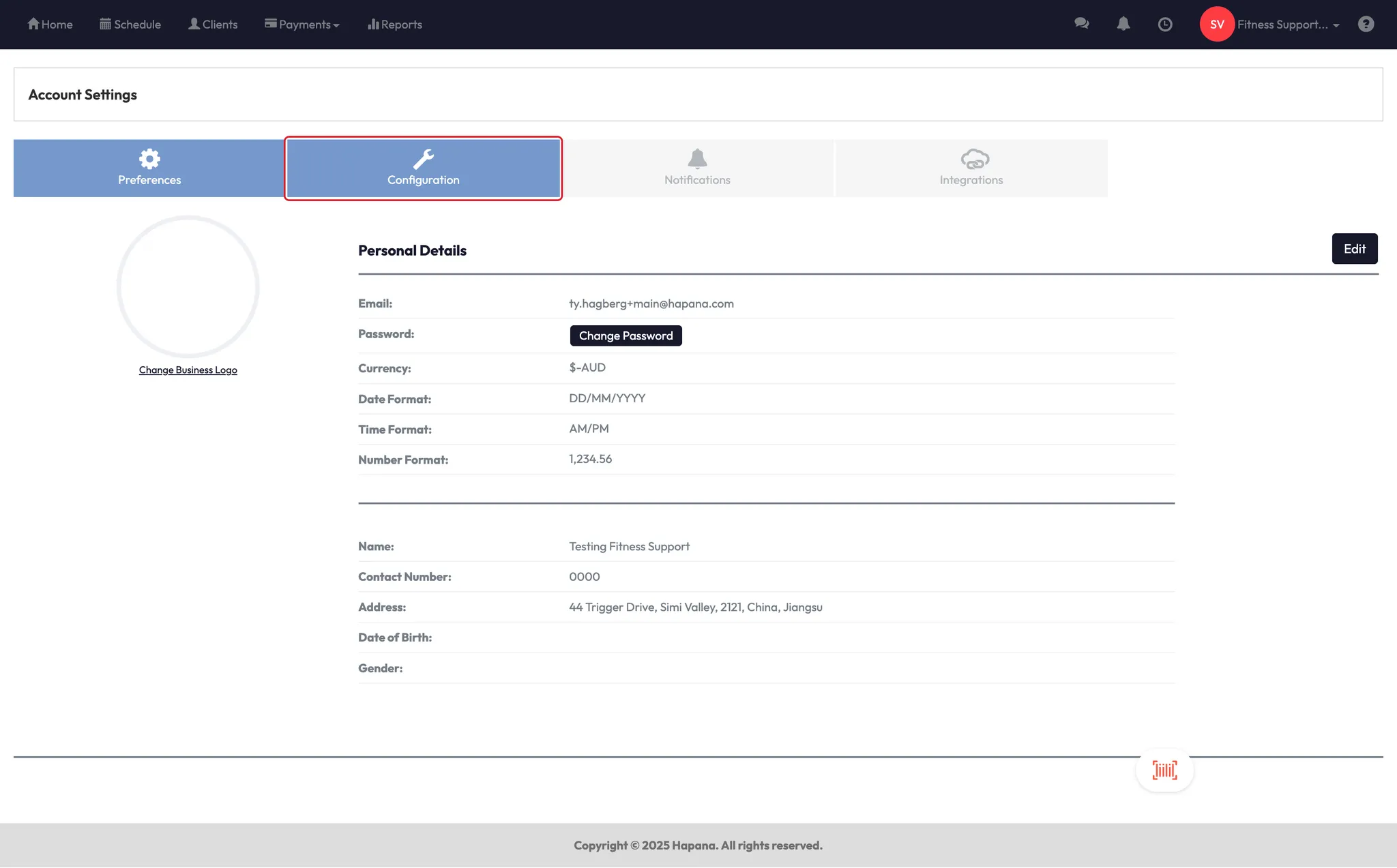
- Go to Account Settings > Configurations
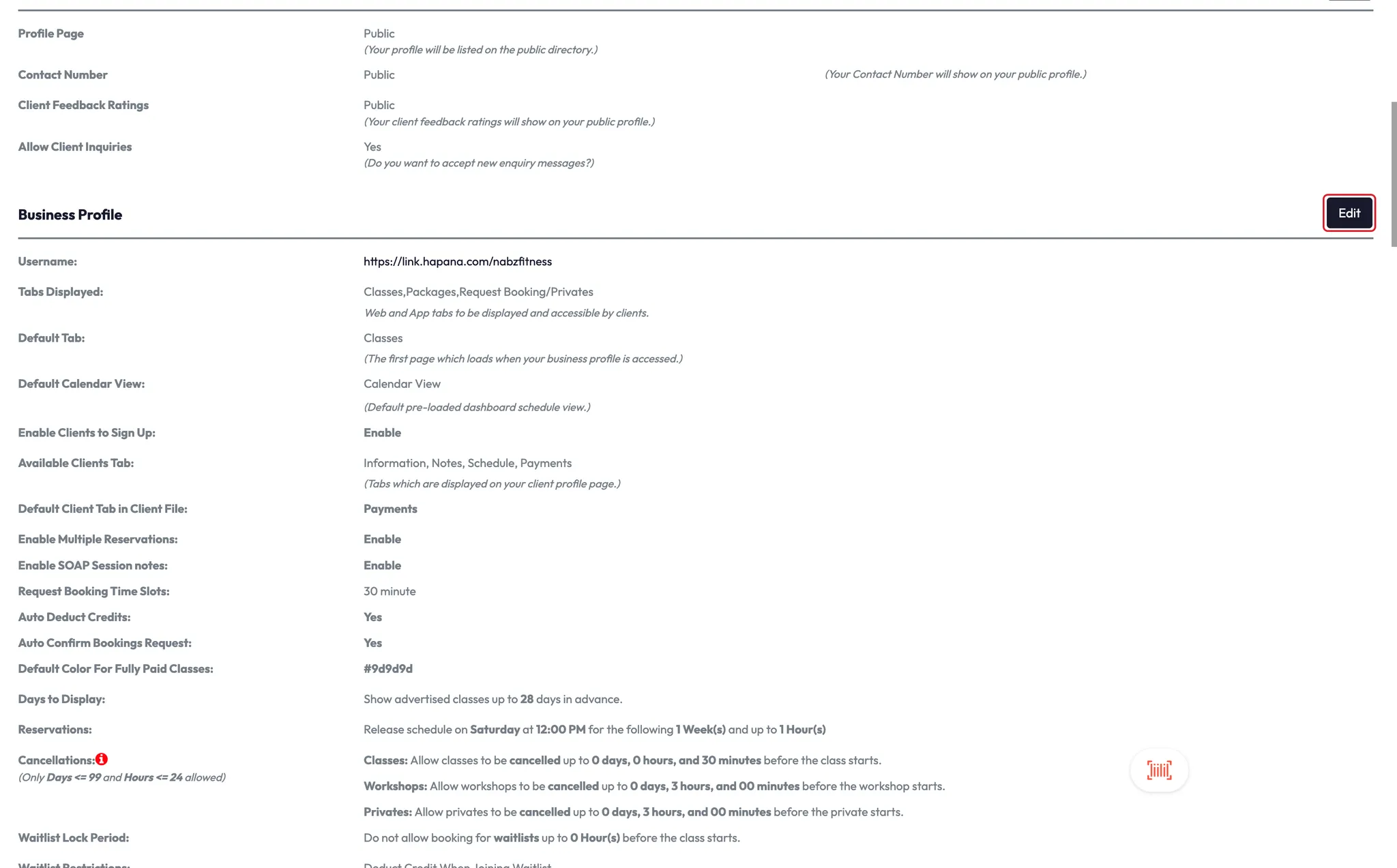
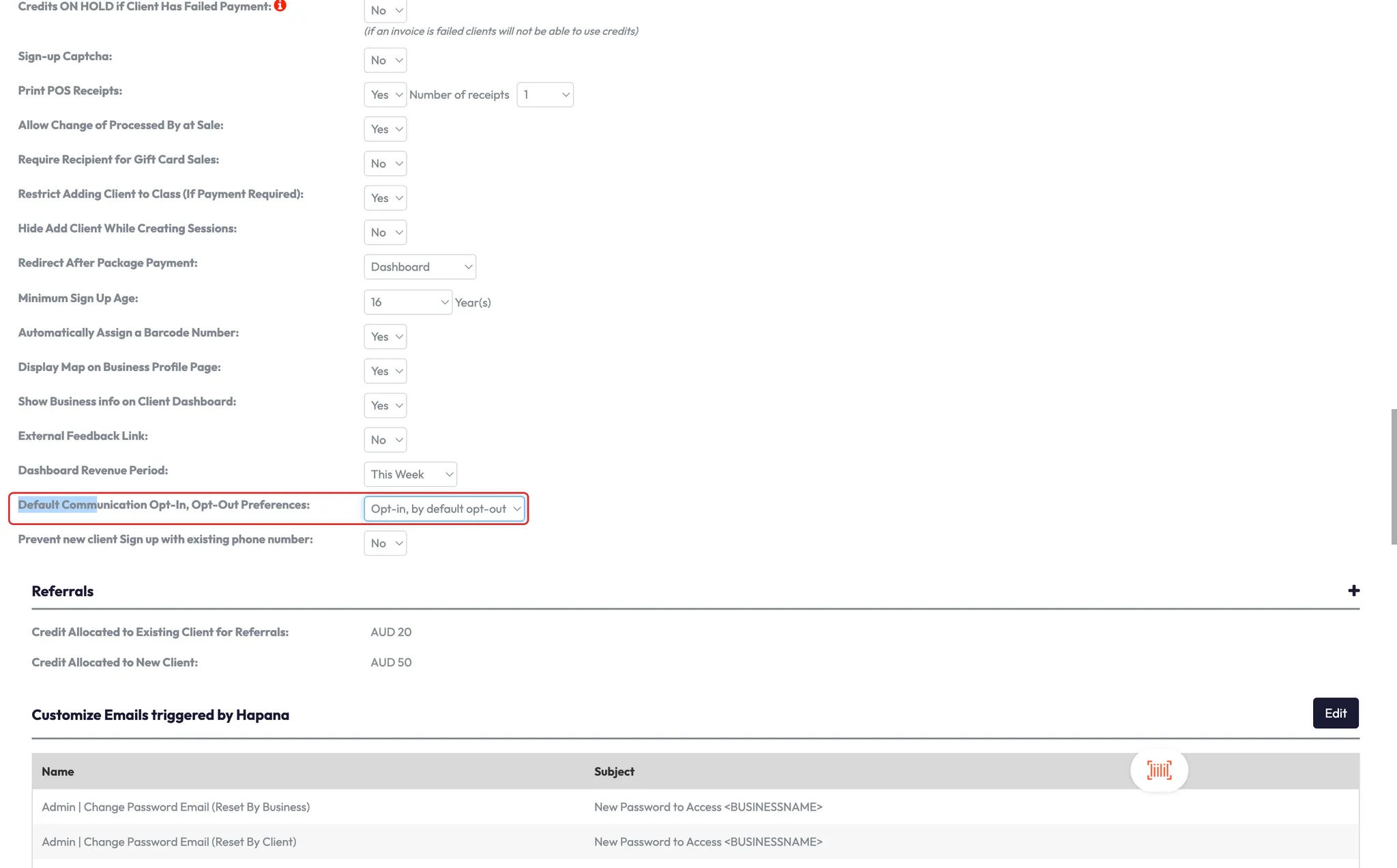
- Scroll to Default Communication Opt-In/Opt-Out Preferences
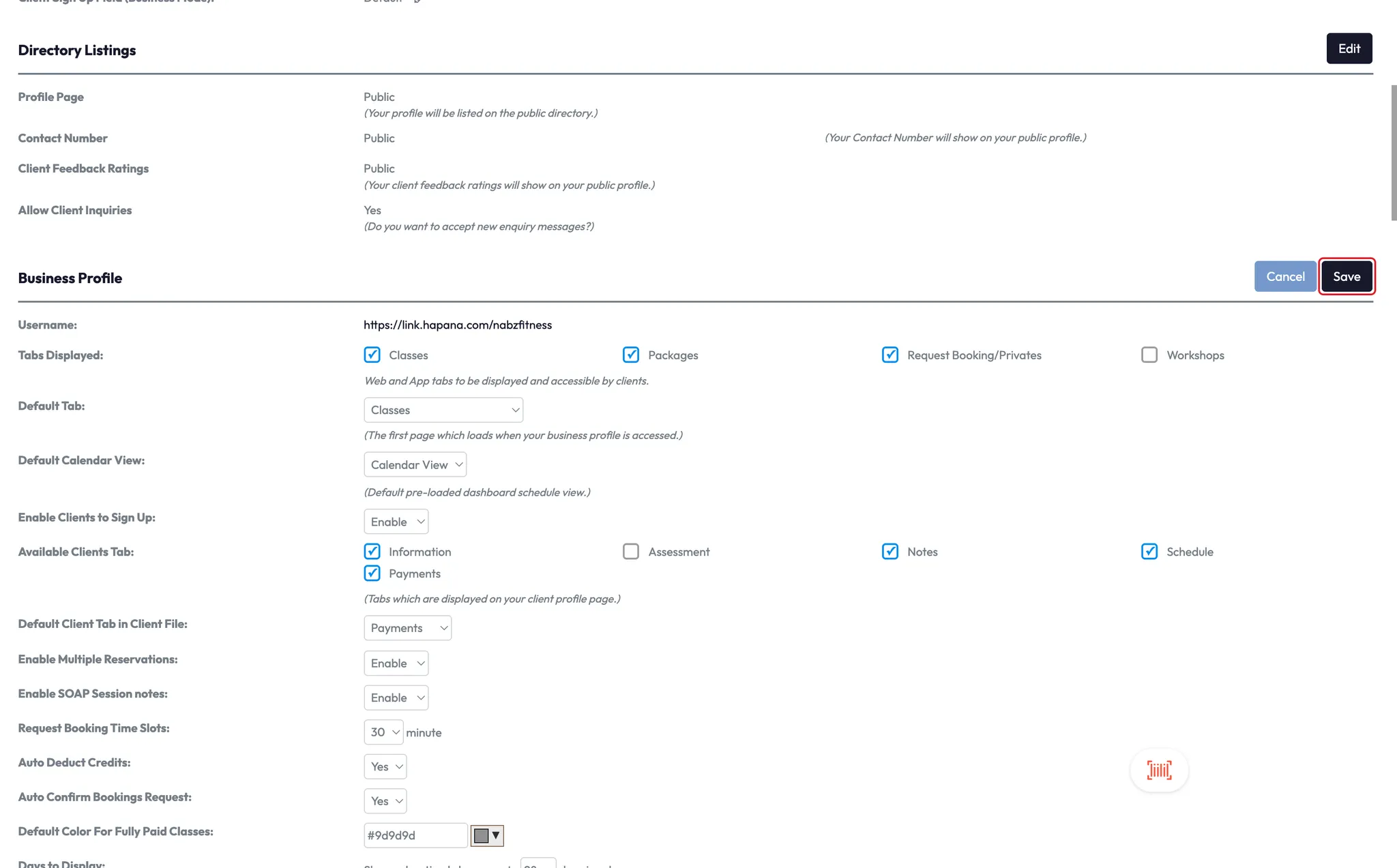
- Click Edit
Step 2: Choose your default preference
You’ll see two options:
- Opt-in by default / Manual opt-out
- Opt-out by default / Manual opt-in
Select your preferred setting based on how you want clients to be added to your mailing and text lists.
⚠️ Some messages — like password resets and policy agreements — are considered critical communications and will still be delivered, even if the client has opted out.
Step 3: Review individual client preferences
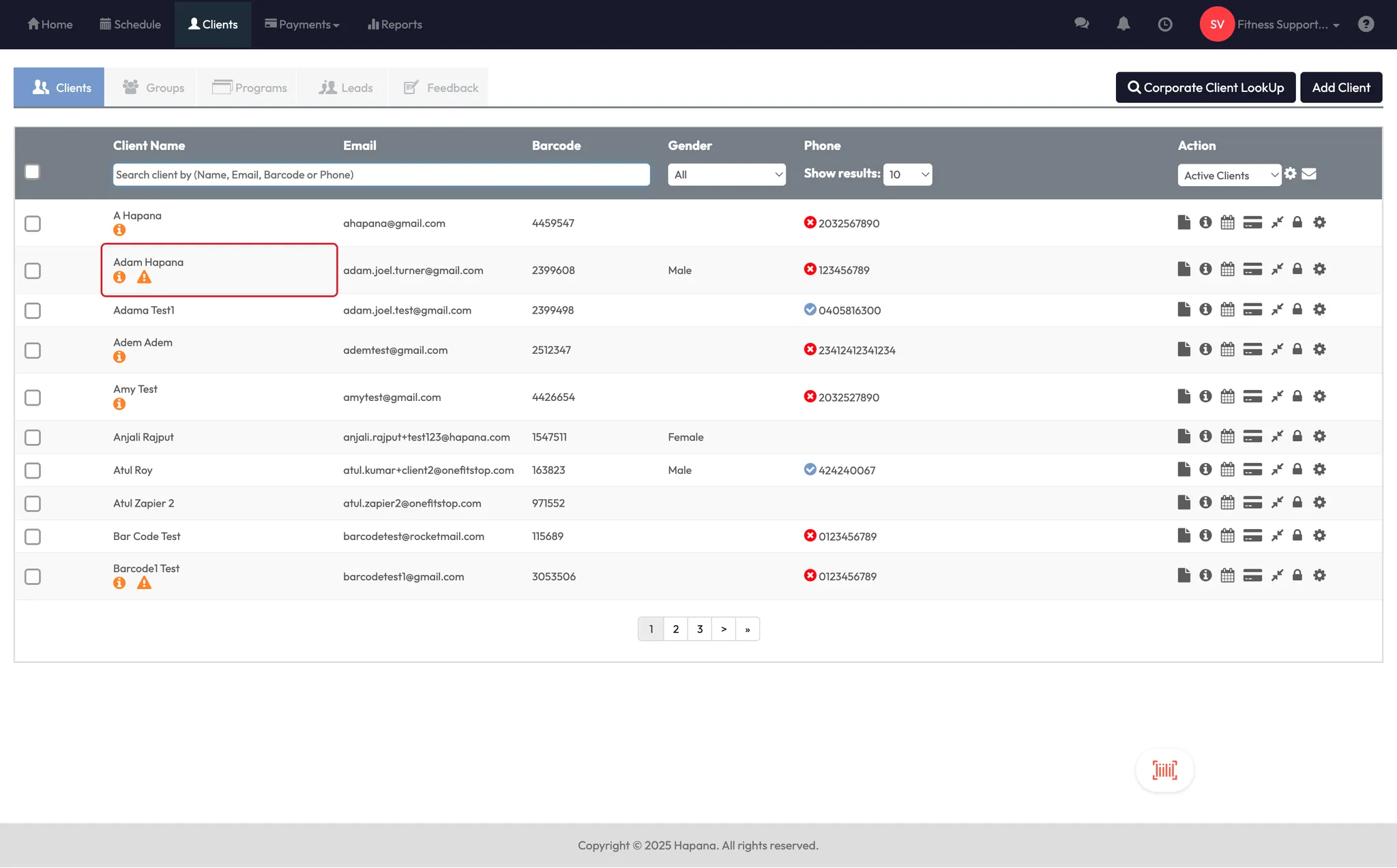
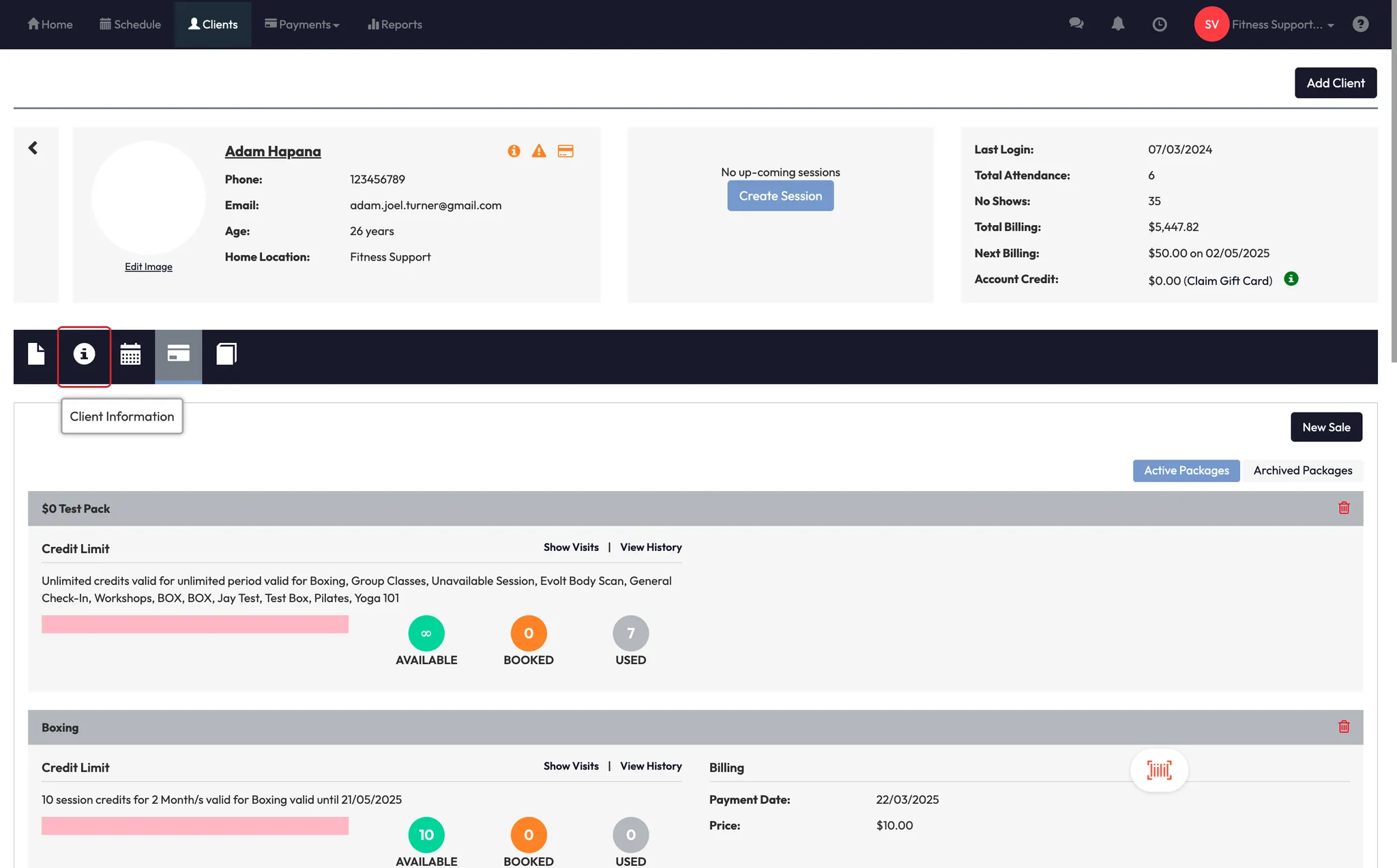
- Go to the Clients section
- Open any client’s profile
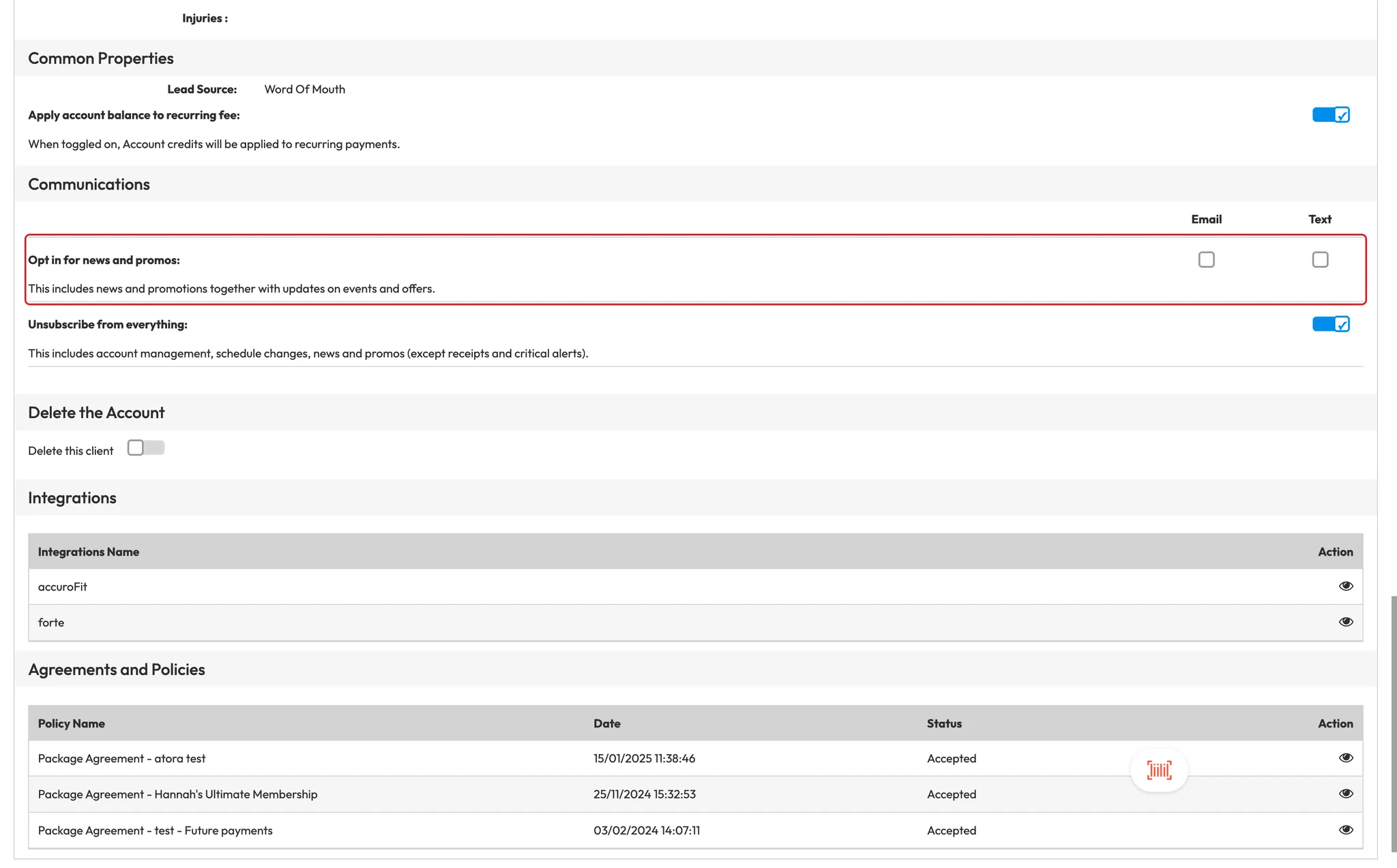
- Scroll down in the Client Information tab
- You’ll see:
- Opt-in status for news and promotions
- Whether they’ve opted in to email or SMS
- A flag if they’ve fully unsubscribed from all communication
Expected outcome
You’ll be able to set how your business handles opt-in communication preferences globally and check each client’s communication status when needed — ensuring both compliance and clarity.
FAQs
Q: Do clients see or control this in the app?
A: Yes — clients can opt in or out during signup or from their app settings.
Q: What happens if I switch the default setting
A: It will only apply to new clients going forward. Existing client preferences won’t change.
Q: What are critical communications that still send even if opted out?
A: Password resets, membership agreements, and other system-critical notifications.
Still need help?
Reach out to our support team via support@hapana.com