
Overview
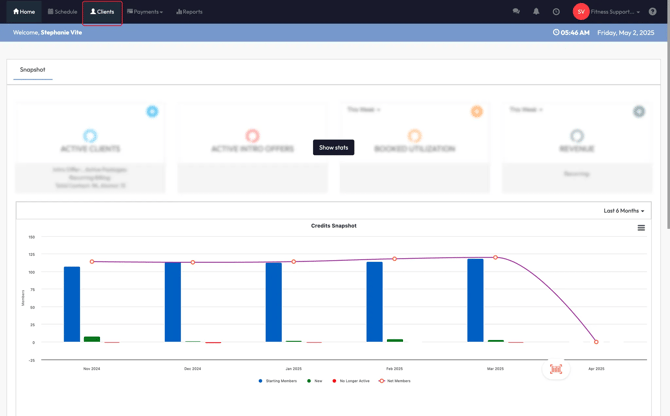
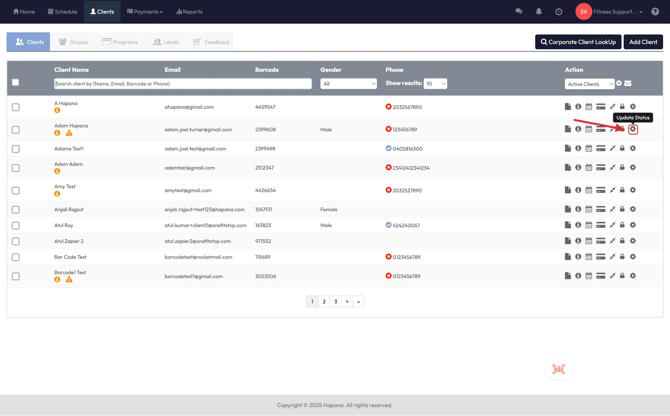
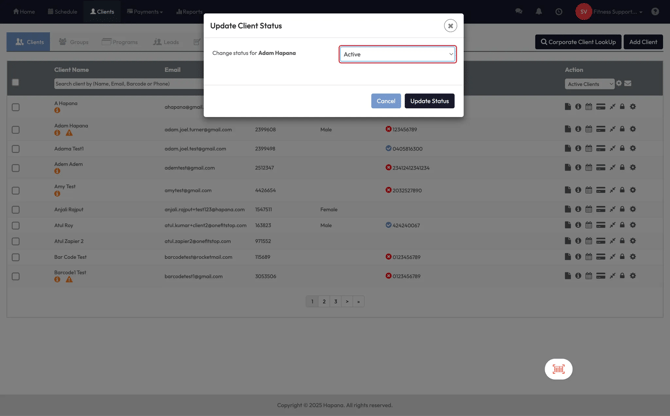
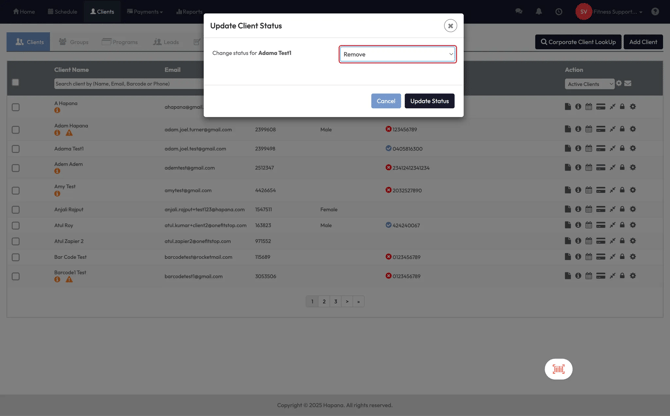
Client statuses in CORE help you manage access, engagement, and visibility for different types of members. Whether someone is currently training, taking a break, or no longer affiliated with your studio, these statuses make it easy to stay organized.
🎥 Watch the walkthrough:
Or preview it below:
Prerequisites
Before you begin:
- Know which clients you want to categorize or restrict access for
- Make sure you understand how each status affects app login and booking access
Status types explained
Active
- The client may or may not have a membership or package
- They can log in to your app or website
- They can view schedules and purchase new memberships or packages
- This is the default status for currently engaged members
✅ Use this for clients who should still have full access, even if they're between purchases
Alumni
- The client has previously had a membership or package, but is no longer active
- They cannot log in to your app or access your schedule
- They can still receive communications and be re-engaged
- Alumni can be reactivated easily at any time
Tip: Alumni is great for former members who might return or for temporarily disabling access (e.g., due to repeated no-shows or failed payments)
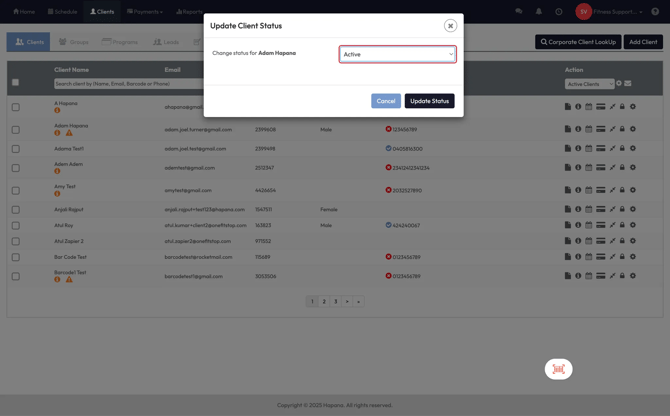
Removed
- The client is fully removed from your active ecosystem
- They cannot access the app, website, or be scheduled
- This status is typically for clients who will not return
⚠️ Clients in this status are still saved in the system but will be excluded from all engagement and visibility internally
When to use each status
| Scenario | Use This Status |
|---|---|
| Client is actively training or can purchase | Active |
| Client has finished but may return later | Alumni |
| Client should not access or engage anymore | Removed |
| Client missed sessions or has delinquent account | Alumni (temporarily restrict) |
Expected outcome
Once set, a client’s status will determine what they can see and do within your app and system. It also helps your team identify which clients to engage, re-engage, or ignore.
FAQs
Q: Can I move a client back from Removed to Active?
A: Technically yes, but it’s best practice to use Alumni if there’s even a slight chance they’ll return.
Q: Can Alumni receive emails or offers?
A: Yes — they stay in your CRM and can be targeted in campaigns.
Q: What happens to bookings if I change someone to Alumni?
A: They’ll no longer be able to book sessions or access the app. Existing bookings will need to be reviewed or removed.
Still need help?
Reach out to our support team via support@hapana.com